

Call tracking for Australian small businesses: which calls turn into jobs?
Call tracking for Australian small businesses: what Google Ads and your Business Profile already count, what they miss, how number swapping works, AI call summaries, recording rules, and how to see which calls become booked jobs.
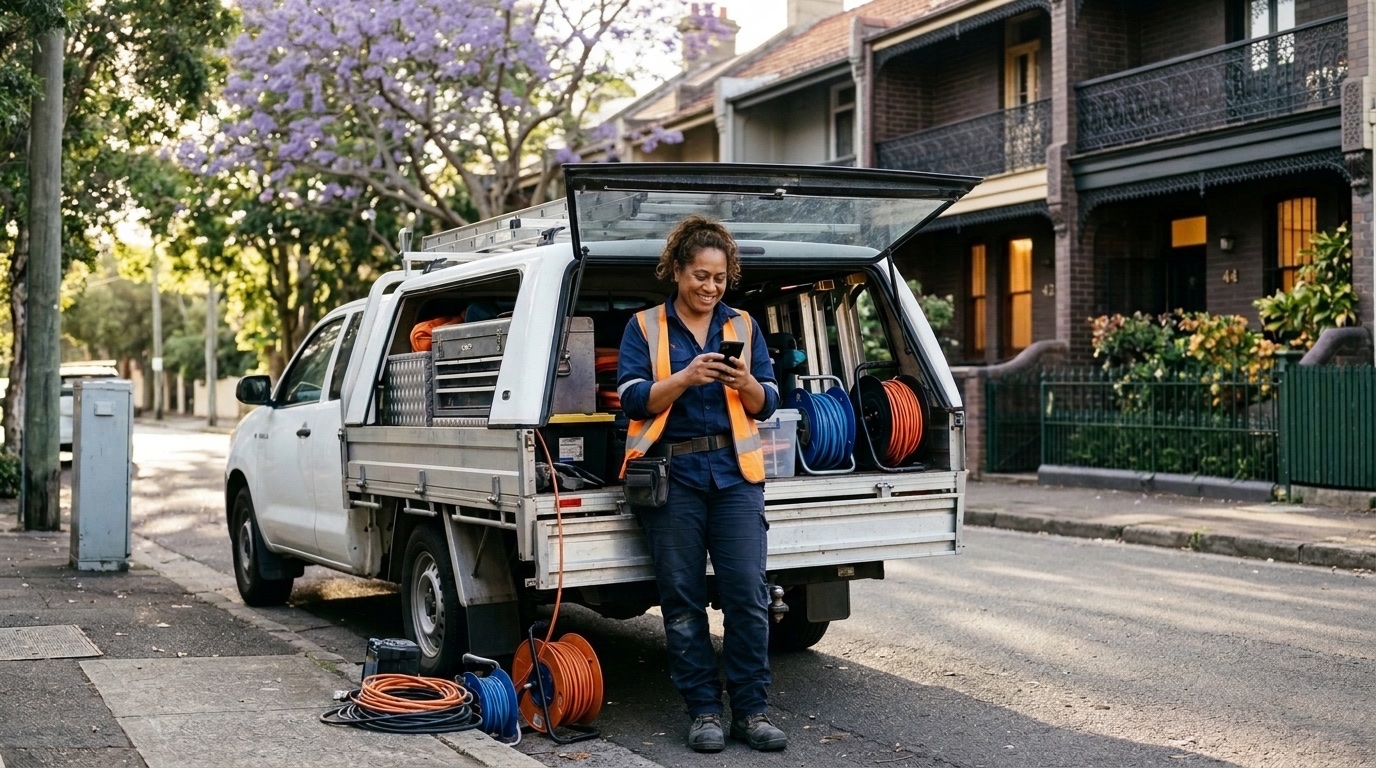
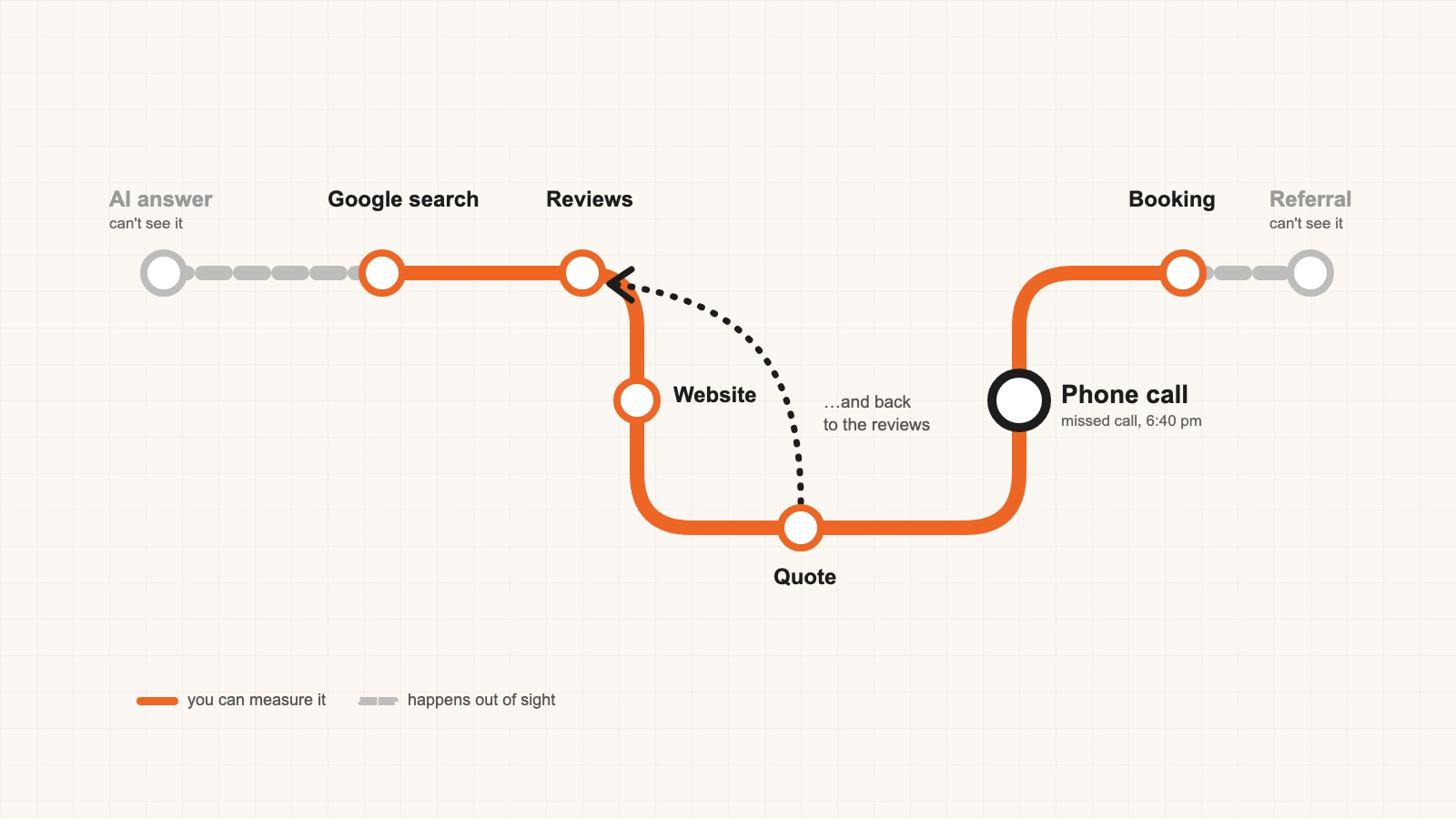
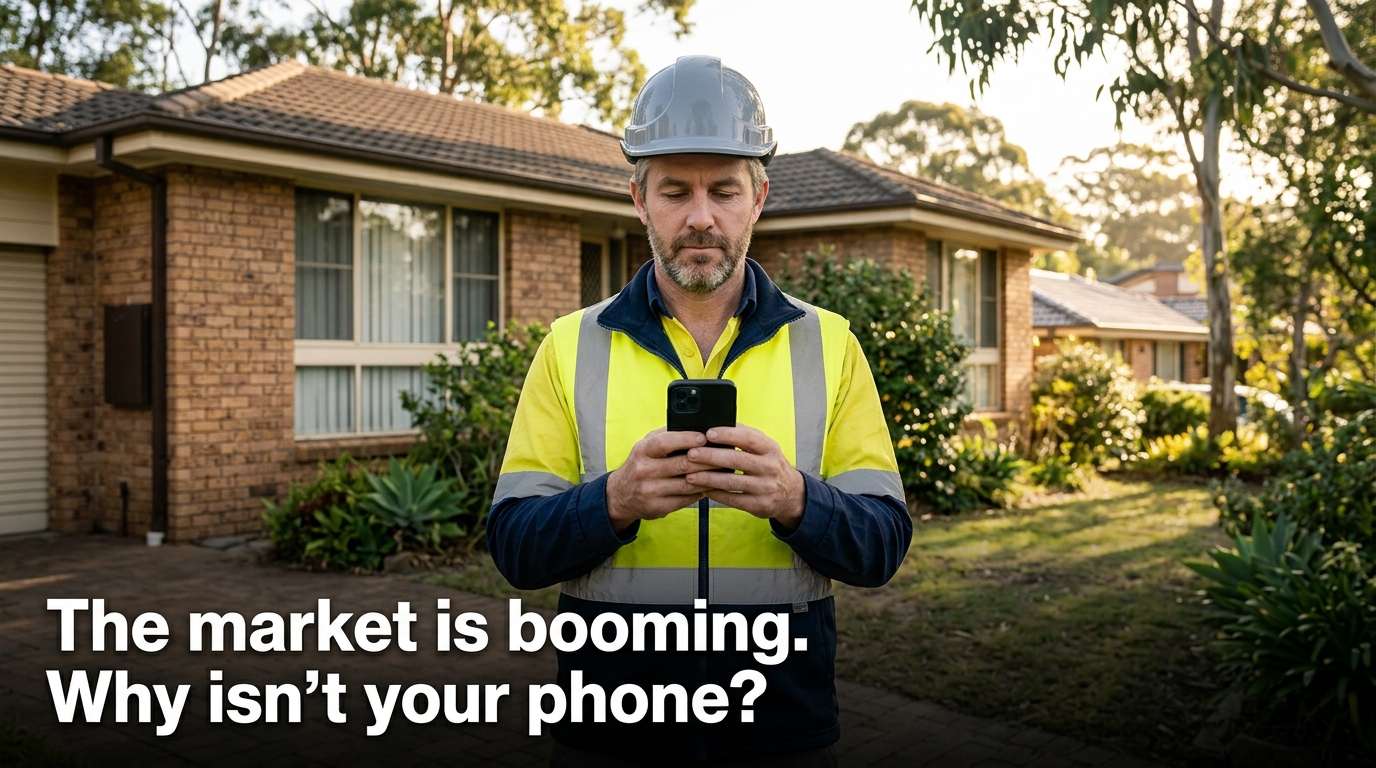
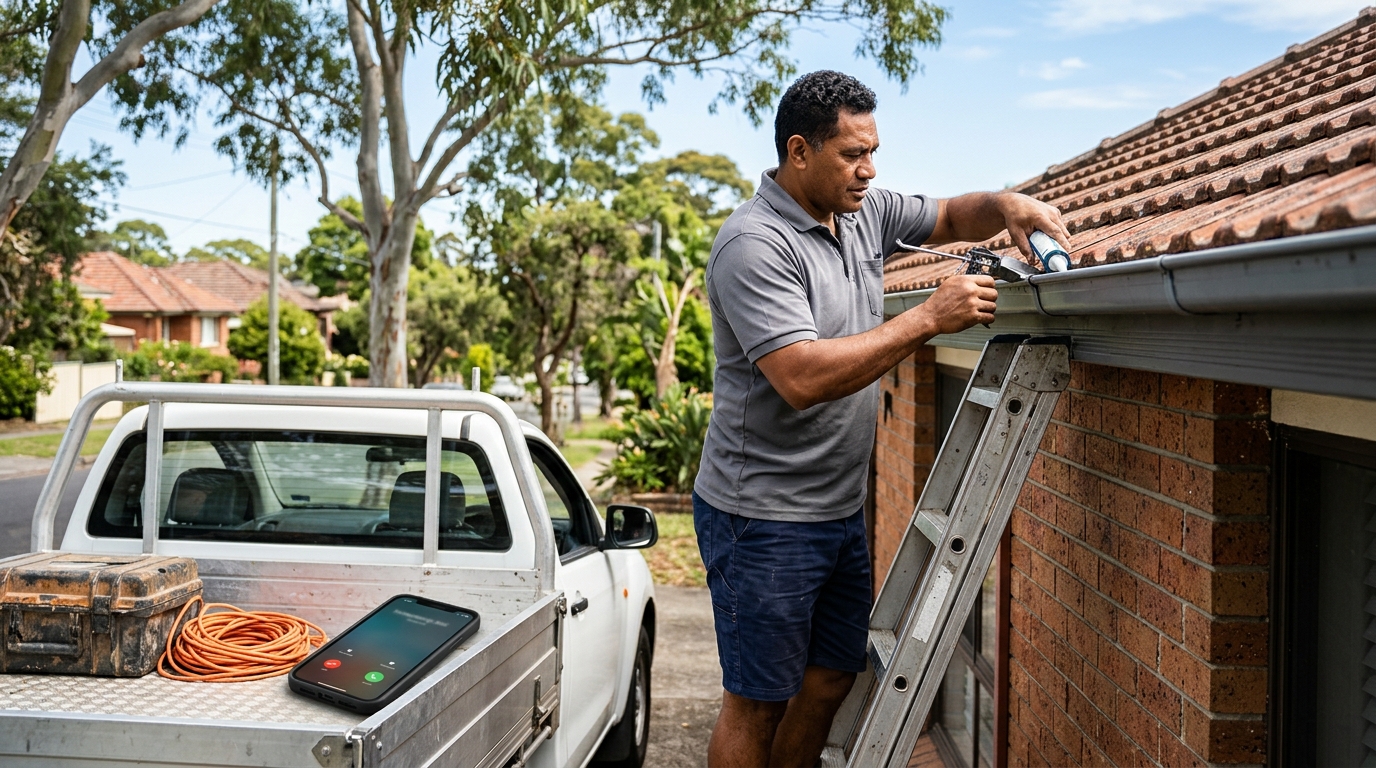
Picture this: it’s 6:40pm on a Wednesday, and you’re on a roof in Marrickville chasing a leak, a sheet of steel in one hand. Your phone buzzes in your pocket. By the time you’re down the ladder, the caller has rung the next plumber on Google.
Google Ads may log that as a call. Nobody will log it as a lost job.
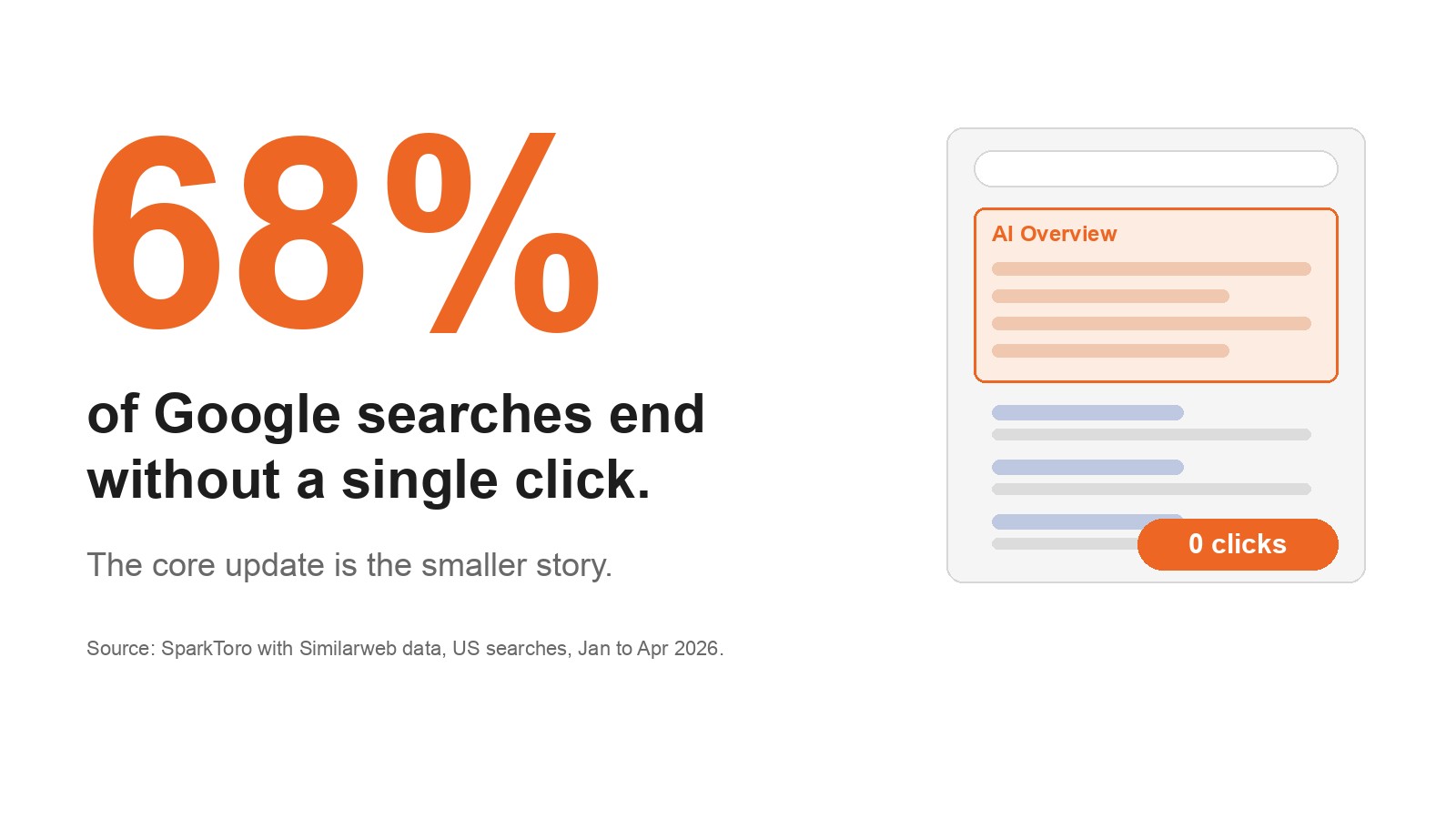
Most small businesses measure the wrong end of the phone call. They count taps and rings, then wonder why the busiest-looking channel never seems to fill the diary.
Google can tell me someone tapped ‘Call’. A tracking number can tell me the phone rang. I need the booking record to know the ad brought in a job. AI can draft the call notes; it can’t confirm a booking.
A quick definition first, because the term gets used loosely. Call tracking links each phone call to the ad, search result or page that prompted it. It usually works by showing a different phone number for each source. Then it logs every call: when it came in, how long it lasted, whether anyone answered, and where the caller found you.
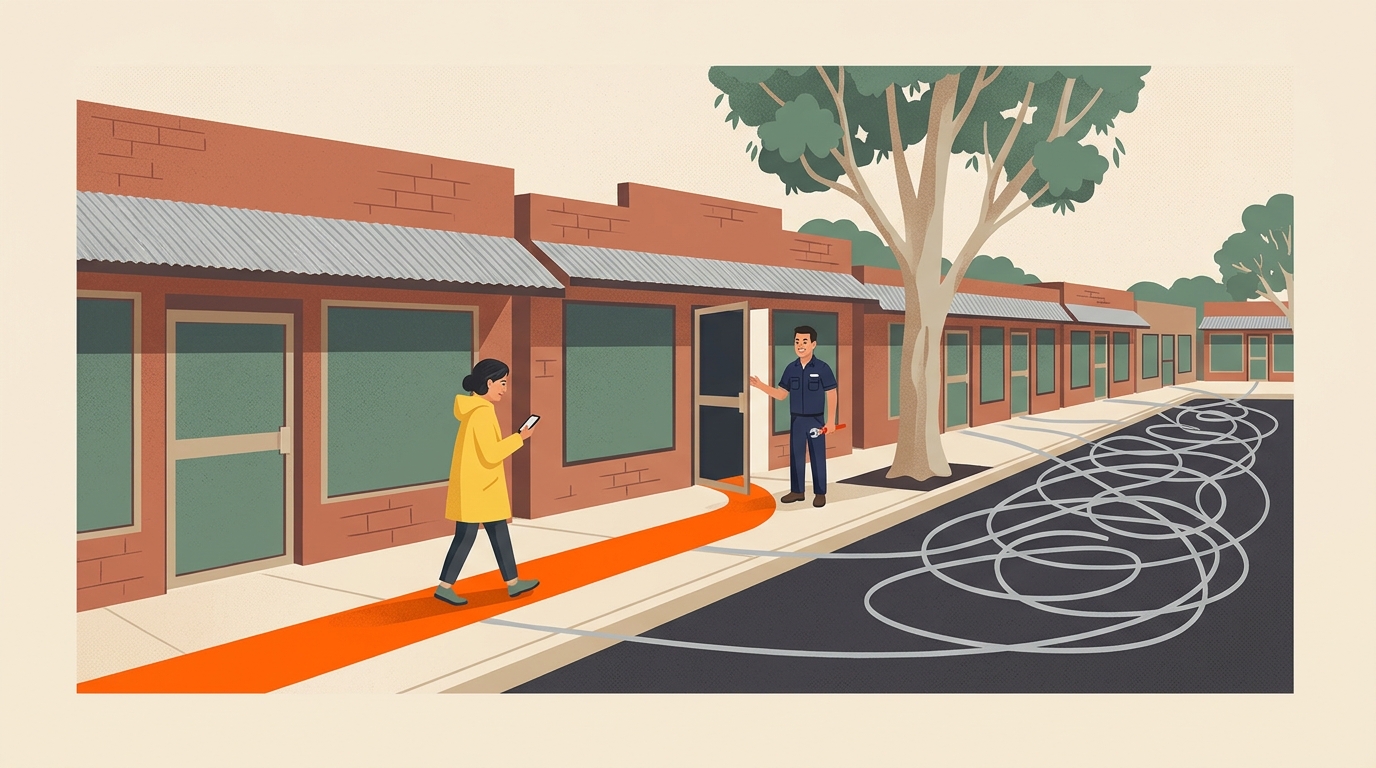
What the animation shows: a plumber on a roof at 6:40pm misses a call, and without tracking the owner sees only “1 missed call”. With tracking, the same call shows its source, a Google Ads call asset, and an automatic text goes back to the caller. They leave a voicemail, and an AI summary drafts the job, flagged to be checked. The plumber calls back from the ute, and the CRM (your customer database) marks it booked.
Why use call tracking? Four benefits for a small business
For a business that lives on the phone, call tracking does four useful things:
- It shows which marketing makes the phone ring. Ads, Google search, your Business Profile and the ute each get credit for their own calls.
- It finds the calls you missed. You see the after-hours and busy-hour gaps, and can ring people back before they book someone else.
- It lets you judge lead generation by jobs, not clicks. Once each call has an outcome, you can compare cost per booked job across channels.
- It feeds better data back to Google Ads. Imported outcomes teach the campaign which calls are worth paying for.
The catch is in that third point. Call tracking software records the call. Somebody still has to record the job.
How call tracking works: one number per source, one phone that rings
The mechanics are simpler than the sales pages make them sound. Call tracking software works in two ways, and most businesses end up using both.
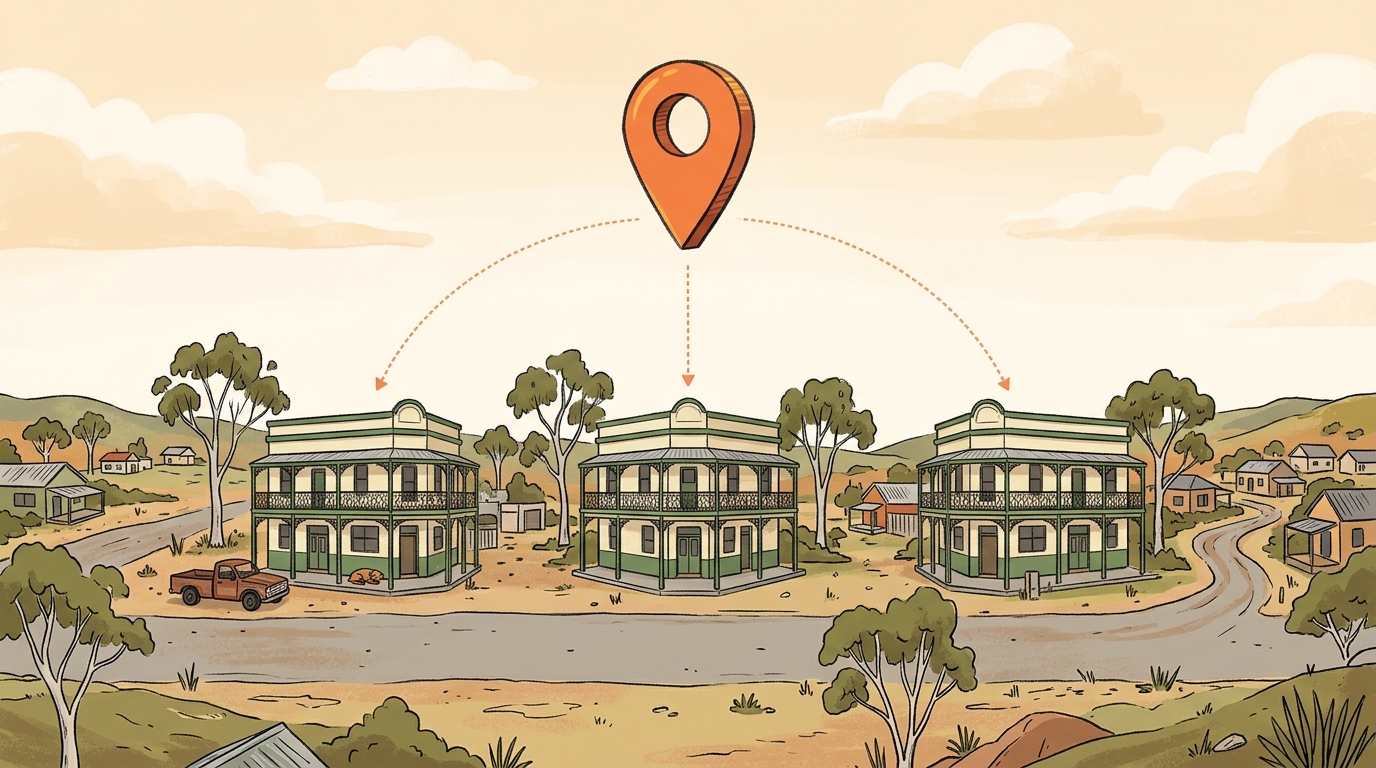
Static numbers are one number per fixed source. The ute gets one, the letterbox flyer gets another, and your Google Business Profile gets a third. When the ute number rings, you know someone saw the ute.
Dynamic number insertion looks after your website. A small script checks where each visitor came from and swaps the number on screen for that session, meaning a single visit. A Google Ads visitor sees one number, an organic visitor sees another, and someone arriving from a ChatGPT answer sees a third. Every number forwards to your real line, and each call is logged against its source.
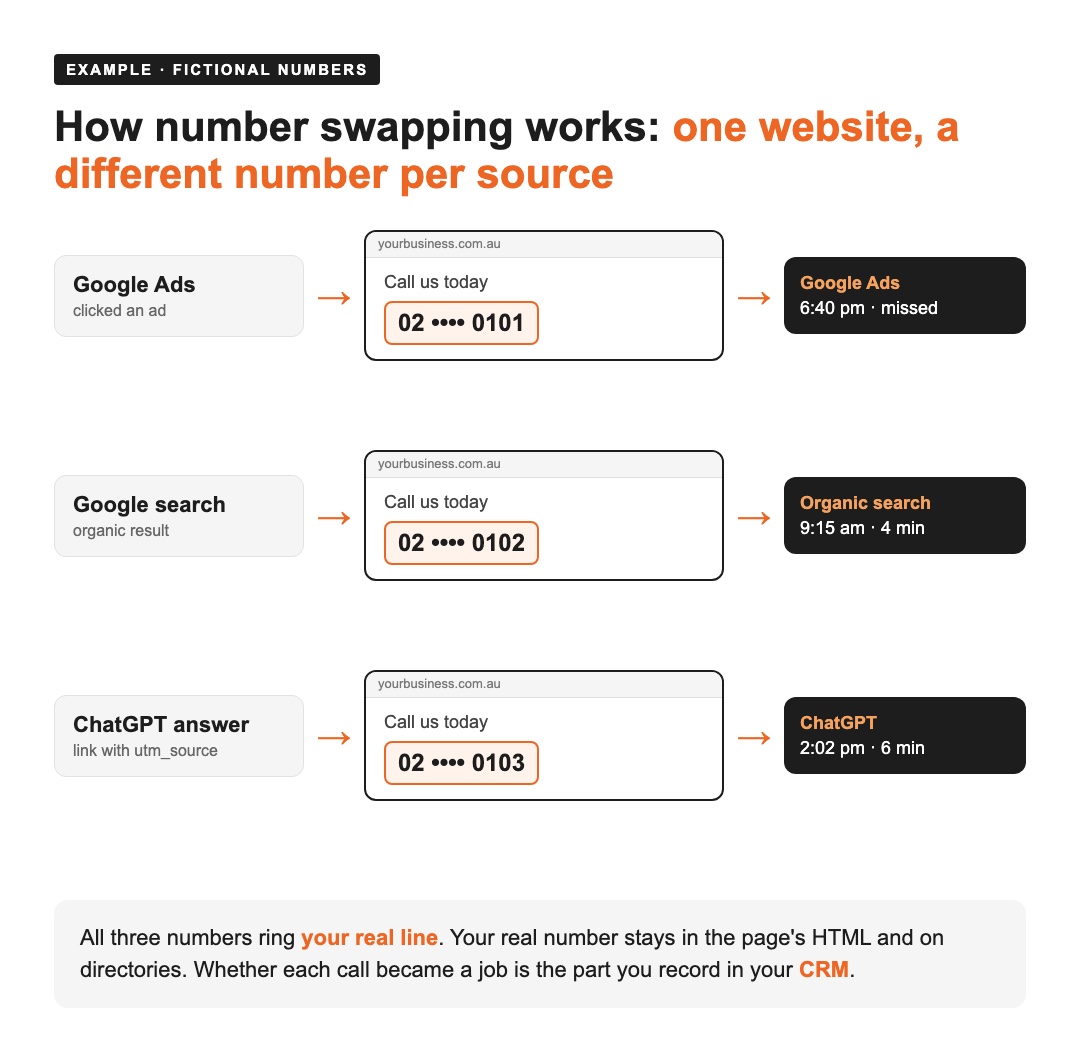
The part that matters for search: I keep the business number in the underlying HTML, then test that the displayed number and the tap-to-call link both switch and ring the right line. Search engines can also run the script, so consistency matters more than hiding anything.
My buying test is simple. I’d start with Google’s free reporting. I’d pay for call tracking when knowing which source produced the bookings would change where I spend.
When Google counts a tap, and when it counts a call
Google Ads can report real calls when they go through a Google forwarding number: calls from call assets, and calls from ad visitors to the forwarding number shown on your website. Clicks on a plain phone number on your mobile site are a different story. That’s Google’s own wording:
Google Ads Help puts it plainly: “we can only track these clicks, not the phone calls themselves.”
Your Business Profile is thinner again. Its “Calls” figure counts clicks on the call button, and Google no longer keeps chat and call history in the Profile at all. It can’t tell you whether anyone answered.
| What’s counted | What’s missed | When to pay for more | |
|---|---|---|---|
| Google Ads | Calls from call assets. Calls to a Google forwarding number shown to ad visitors. Mobile taps. Imported outcomes. | Callers who didn’t come from an ad. Whether a call became a job. Imports only match Google forwarding numbers. | When ads are one of several channels. |
| Business Profile | Taps on the call button. | Whether anyone answered, call length, call history. | When the Profile is a main lead source. |
| Your website (GA4) | Taps on a tel: link, if set up as an event. | People who read on a laptop and dial by hand. | When visitors research on a computer, then ring. |
| A tracking tool | Every call to its numbers by source, with time, length and answered or missed. | Whether the job was booked. Callers using a number saved months ago. | When several channels compete for budget and missed calls cost you. |
Still running call-only ads? Time to move
Call-only ads dial your number instead of opening your site. Google has stopped new ones being created, and existing ones stop receiving impressions in February 2027. Move to call assets, the call button attached to a normal ad, while you can still compare the two side by side.
When a tracking tool is worth paying for
This is where I part ways with most software guides. Most small businesses don’t need a tool on day one. They need someone to write down what happened on the call.
- Worth it when: you run several sources that could each be sending the calls, most enquiries phone rather than fill in a form, you miss calls after hours, or you want outcomes sent back to Google Ads.
- Not yet when: you run Google Ads only, you answer nearly everything, and the free setup is doing its job.
Cost depends on how many numbers you need, your call volume, and whether you want recordings and transcripts. If ads are your main channel, get the free Google Ads call tracking right before paying for anything else.
The strongest case against me: Google’s free data is good enough to point budget in the right direction. For a one-channel business, that’s true. It stops being true when your Profile, your SEO and your ads all claim the same callers.
Google’s free reports count every kick at goal. Your CRM keeps the scoreboard.
The money is in the outcome you record after the call
Turning a call into a job is a CRM task, not a tracking task. Every call should become a record with three fields:
- Source: where the caller found you
- Answered or missed
- Outcome: booked, quoted, or not a lead
Make Outcome mandatory before anyone can close the record. Three fields will do more for your budget decisions than any dashboard. Setting that up, plus an automatic text for missed calls, is a job for your CRM and marketing automation. It’s the same follow-up gap I wrote about in the customer journey map guide. For the other places tradies lose jobs between the call and the quote, see our guide to marketing for tradies.
A fictional plumbing example shows the difference.
Don’t do this: a spreadsheet column that reads “Source: Google”.
Do this: “Source: Google Ads, ‘blocked drain Penrith’ · Answered: missed, called back 7:05pm · Outcome: booked, Tuesday 8am.”
The first entry tells you nothing you can act on. The second tells you the search term, the hour, and whether the call turned into work.
Missed calls are where it really stings. Take another made-up business with 40 calls a week, eight of them after hours with nobody picking up. If even a quarter of those would have booked, that’s two jobs a week going to whoever answered. Over a year, that’s about a hundred jobs handed to a competitor.
Set a callback window you can actually keep, then check misses by hour. If Thursday evenings keep showing up, that’s a staffing question, not a marketing one.
What I’d stop doing straight away: judging channels by “calls” in any Google report. Judge them by booked jobs. A quote isn’t an invoice, and a call isn’t a job either.
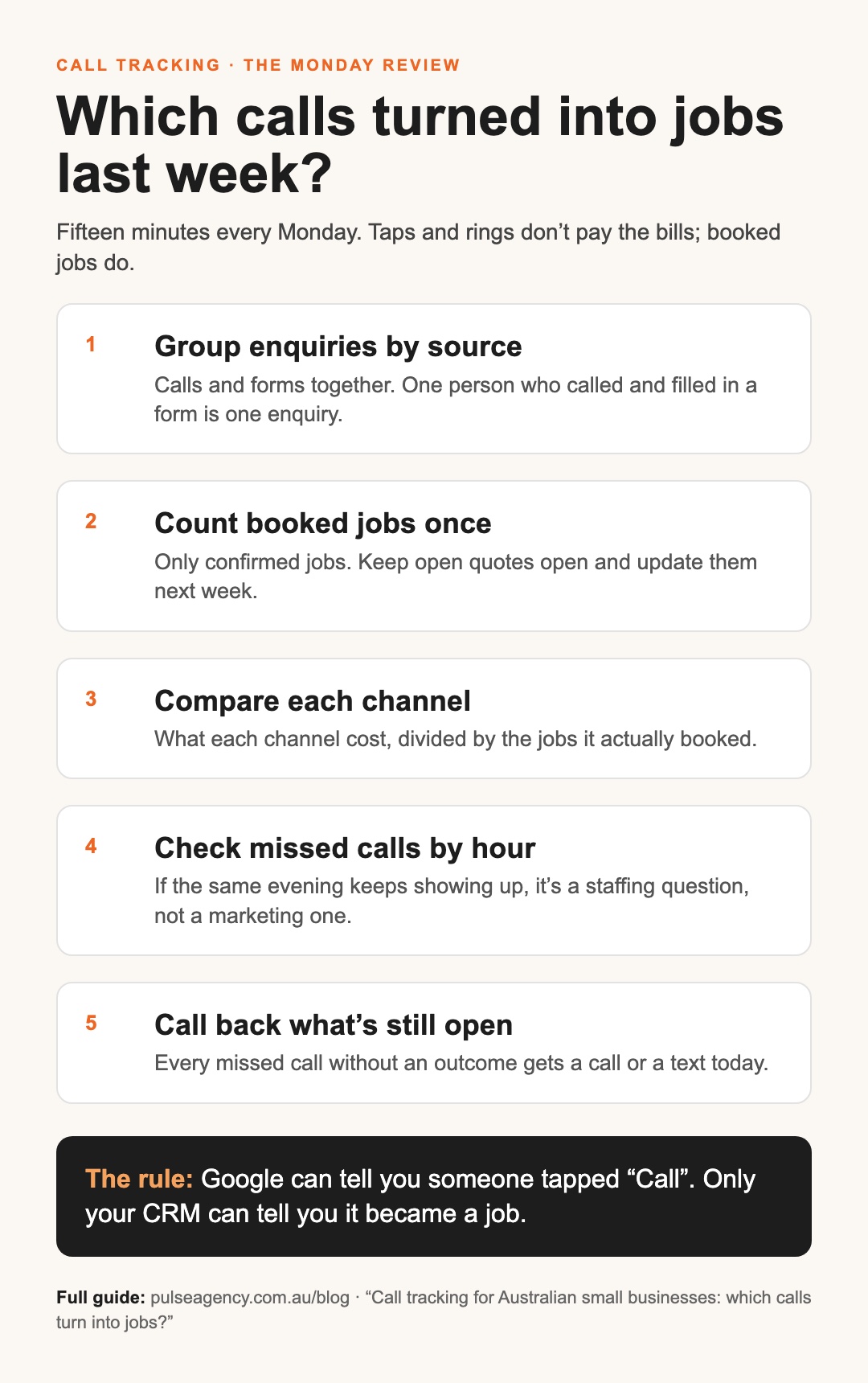
How, in practice: every Monday, group last week’s enquiries by source and count each confirmed job once (a call and a form from the same person is one enquiry). Divide what each channel cost by its booked jobs. Keep quotes that are still open and update them the next week, or a channel that brings bigger, slower jobs will look worse than it is.
What our clients’ results show about tracing calls to sales
Pulse’s own work backs this up, with one honest caveat. For Sydney Building Reports, we set up call and form tracking so every enquiry was traced to its source and its result.
After the six-month campaign in 2021, calls were up 44% year on year and sales from campaign leads were up 32%. That kind of tracking is the backbone of every lead generation campaign we run.
The caveat: several changes happened at once, so tracking alone doesn’t get the credit. What it did was make budget decisions easy, because everyone could see which source produced paying work.
Tyrrells Property Inspections followed the same pattern. Its tracking was connected to Google Ads and Analytics, and enquiries ran through the CRM, so each call ended as a record with an outcome. Building and inspection businesses live on the phone; our page on marketing for property and building businesses covers the rest of that picture.
And a confession, for balance. One Acme Framing result we’re proud of is a 39% jump in mobile tap-to-call clicks. Yes, that’s a click number, in an article telling you clicks aren’t calls. It’s still a good sign. It just isn’t a booked job.
Setting up call tracking without confusing Google about who you are
The common fear is that tracking numbers wreck local SEO. Set up carefully, they shouldn’t: keep your real number as the anchor everywhere except the one place you’re measuring.
The practitioner setup described by Sterling Sky (2020) goes like this:
- the tracking number goes in as the primary number on your Business Profile;
- your real number goes in as the additional number;
- your real number stays in your website code and in directories.
Add a UTM tag, a short label on a link that tells your analytics where a visit came from, to the Profile’s website link. Read Google’s phone number guidelines before changing anything. The non-negotiable is that the number must ring your actual business. Note that the Sterling Sky post predates Google removing call history from Profiles, and Google’s guidelines don’t mention tracking numbers by name, so treat this as Sterling Sky’s practice, not Google policy or a guarantee about rankings. More on the Profile in our local SEO checklist.
Don’t do this: tracking numbers on your Profile, your footer, 40 directories and the ute.
Do this: one tracking number on the Profile, swapping numbers on the website, your real number in directories, and a separate static number on the ute.
Some local SEOs say never touch the Profile number, because consistent business details matter. That’s a fair point. But the Profile’s own figure is taps only, so leaving it alone means flying blind on one of your biggest sources.
AI call summaries save time, but they can’t tell you a job was booked
Transcripts and summaries are genuinely handy. They give you first drafts of notes, help you find every call that mentions a hot water system, and flag spam.
Accuracy is the limit, and it isn’t even across speakers.
A 2020 study in PNAS (Koenecke et al.) found five commercial speech recognition systems averaged a word error rate of 0.35 for Black speakers, against 0.19 for white speakers.
That’s a US study, and it says nothing directly about Australian accents or a compressor running in the background. The tech has also improved since. None of that changes who confirms a booking.
An AI summary that says “customer booked for Tuesday” is a draft. The calendar entry is the booking.
Calls that start in ChatGPT are only partly visible, and that’s fine
ChatGPT adds utm_source=chatgpt.com to links it sends to websites, according to OpenAI’s help centre. That means a visit from ChatGPT can get its own swapped number.
If the answer shows your number and someone dials straight off the screen, the call lands in your Profile or “direct” bucket. How many calls start this way is anyone’s guess right now, mine included.
The fix is low-tech. Add “Where did you find us?” to your call script and store the answer in the CRM.
Recording calls in Australia: tell people first and check your state’s rules
This is general information, not legal advice.
Recording rules differ between states. Victoria’s Surveillance Devices Act 1999 is one example of state law in this area. Check the rules that apply where you operate before switching recording on.
A sensible baseline:
- announce recording at the start of the call, and say why;
- limit who can access recordings;
- decide how long you keep them, then delete on schedule;
- take extra care if you’re a clinic or NDIS provider handling sensitive information.
Announcing a recording explains what’s happening. It doesn’t by itself make recording or sharing it lawful in every state, so check before you rely on it.
Federal privacy law is moving too. From 10 December 2026, under the Privacy and Other Legislation Amendment Act, businesses covered by the Privacy Act that use personal information in substantially automated decisions that could significantly affect people must explain this in their privacy policy. If AI scoring on calls decides who gets a call back, check whether that applies to you, starting with whether the Privacy Act covers your business at all.
On your website, Google’s consent mode changes how its tags behave when visitors decline cookies. Accept the gaps rather than filling them with guesses.
What I’d set up first, in this order
- Switch on Google’s free tracking properly: call assets, a website forwarding number for ad visitors, and tap events, with consent mode if you run a cookie banner.
- Add the three CRM fields and make Outcome mandatory.
- Set a missed-call callback rule and review misses by hour.
- Run the “is a tool worth it” test from earlier.
- Every Monday, spend 15 minutes on booked jobs by source and missed calls by hour. A simple marketing dashboard makes that a ten-minute job.
- Fix what makes people call and then hang up: unclear prices, no hours on the page, a form that fails on mobile. That’s conversion optimisation at its most practical.
If you switched off one channel tomorrow, could you say how many booked jobs you’d lose? If not, that’s the first thing to fix.
Book a call tracking audit with Pulse, and we’ll check your missed calls and missing outcomes.
Want the Monday review on one page? Open it as an image to save or print it.
Frequently Asked Questions
What is call tracking?
Call tracking is a way of linking each phone call to the ad, search result or page that prompted it, usually by showing a different number per source. It logs when the call came in, whether anyone answered and where the caller found you. Whether the call became a job belongs in your CRM.
How does call tracking work?
On your website, a small script swaps the phone number on screen depending on where the visitor came from. Every number forwards to your real line. Fixed sources, such as your Business Profile or your vehicle, get their own static number. Your real number stays in the page code for search engines.
Does Google Ads track phone calls?
Yes, for calls that go through a Google forwarding number: calls from call assets and calls from ad visitors to the forwarding number on your website. For clicks on a plain number on your mobile site, Google says it can “only track these clicks, not the phone calls themselves”. It won’t know if a call became a job unless you import outcomes from your CRM.
Is it legal to record phone calls in Australia?
It depends on your state and how you record. Laws such as Victoria’s Surveillance Devices Act 1999 differ from other states’ rules, so common practice is telling callers at the start that the call is recorded and why. A notice alone may not make recording lawful everywhere. Speak to a lawyer about your own situation before switching recording on.
What are the benefits of call tracking for lead generation?
Call tracking shows which ads, searches and listings make the phone ring, flags the calls you missed so you can ring back, and lets you compare channels by cost per booked job instead of clicks. Sent back to Google Ads, those outcomes also help the campaign find more callers who book. The job outcome still has to be recorded in your CRM.
Will a call tracking number hurt my local SEO?
Not if it’s set up carefully. Sterling Sky’s practitioner setup puts the tracking number as your Business Profile’s primary number, your real number as the additional one, and keeps your real number on your website and directories. Whatever you do, the number must ring your actual business.