
AI for small business: hand it the jobs you can check in two minutes
Which marketing jobs should a small business hand to AI? The ones you can check in two minutes. Four that save real hours, five ways it backfires, and a four-week trial.
Whether your business should use AI is the wrong question. The useful one is much smaller: which marketing job could you check in two minutes? That’s the only test I apply to AI for small business. It separates the work these tools do well from the work that ends in a made-up fact, a fake review or a customer’s details somewhere they shouldn’t be.
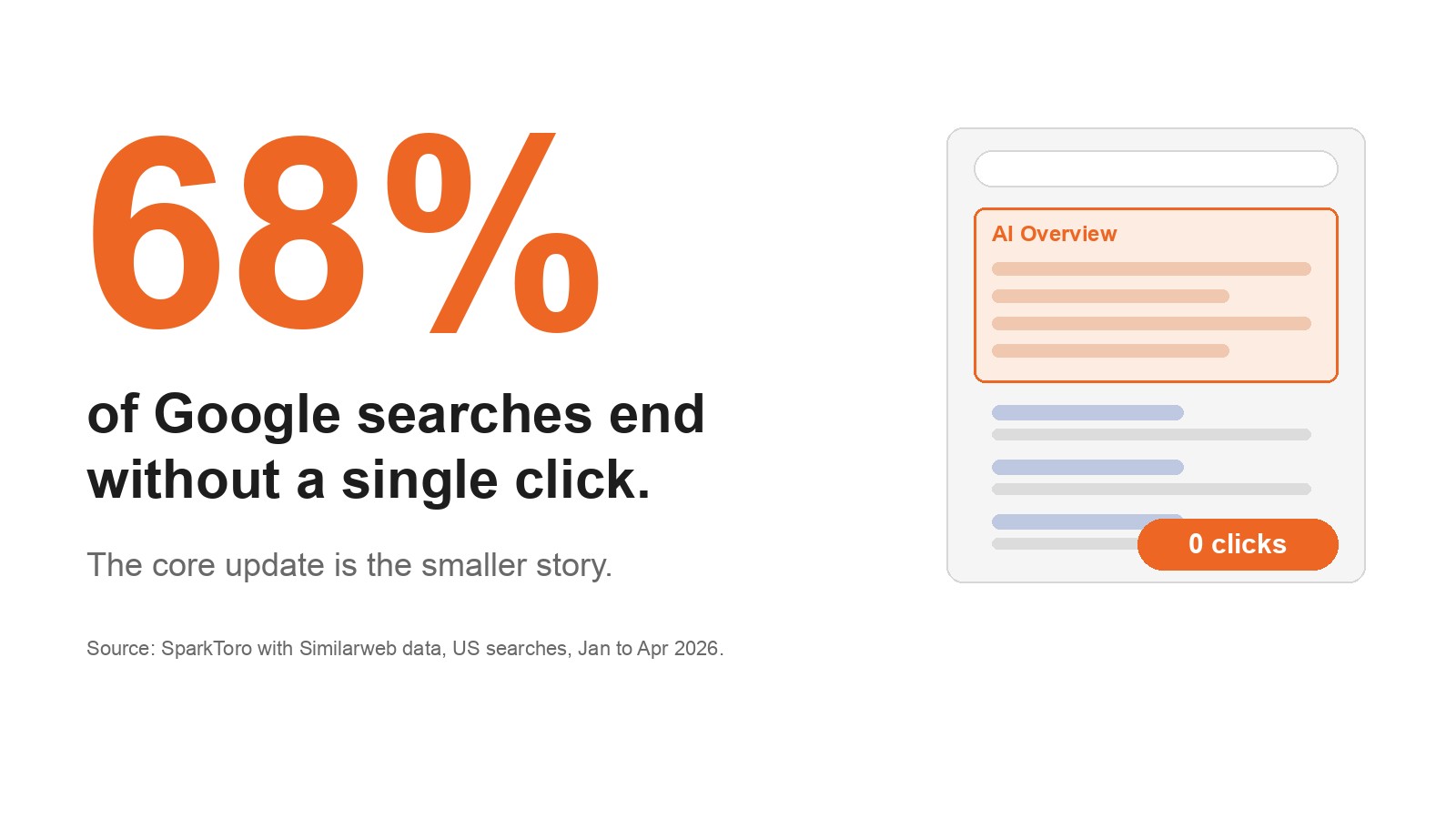
Plenty of your peers have started. The National AI Centre’s SME AI Pulse survey found 43% of Australian SMEs used AI from December 2025 to February 2026, and content generation was the joint top use among them (54%). The same survey found 19% don’t know how to use AI in their business.
This guide is built around one tool: the two-minute check further down. Read the four jobs worth handing over and the five ways it goes wrong, run your own job through the check, then trial it for four weeks.
What AI for small business looks like: mostly tools you already pay for
In practice it means a general assistant such as ChatGPT, Gemini, Claude or Copilot, or the AI already built into your email platform, CRM or accounting tool. It drafts, summarises and sorts. A person reviews the work and owns the result.
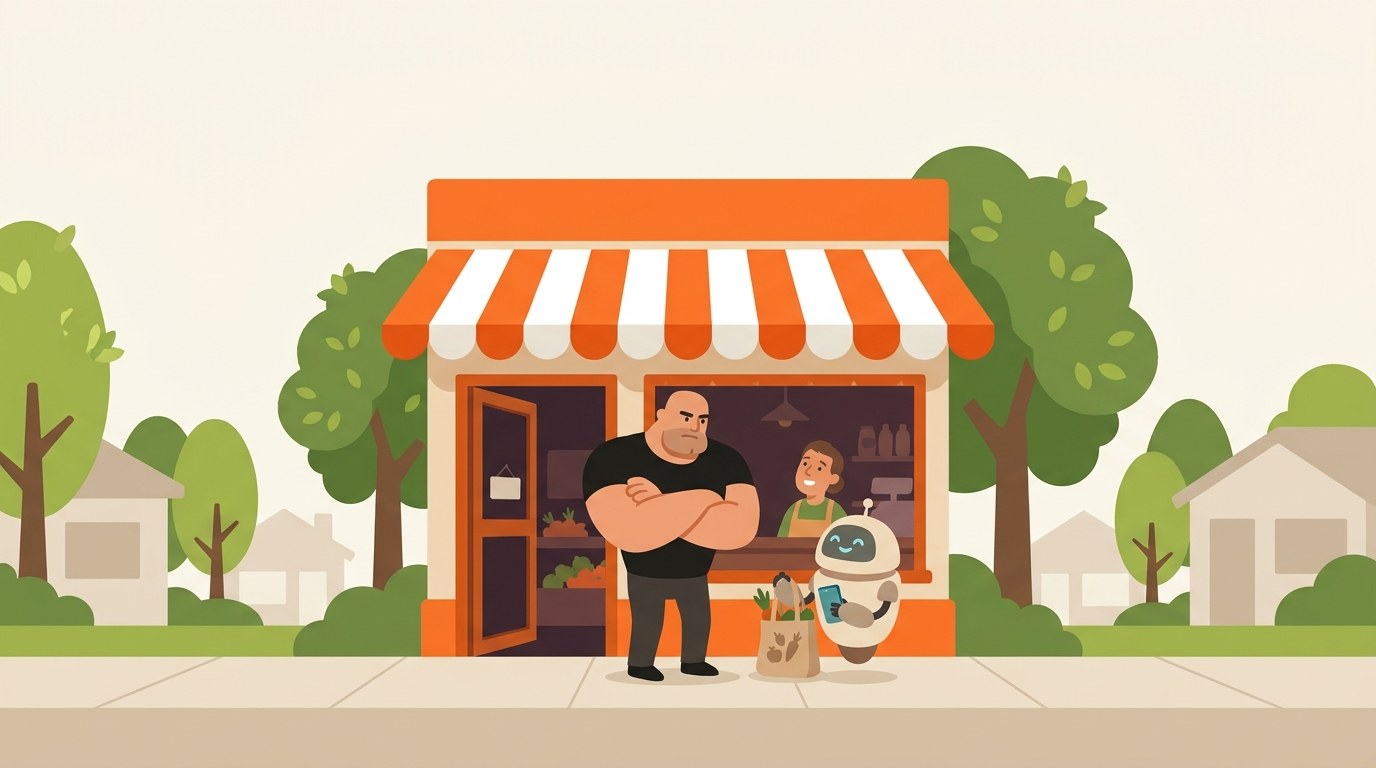
What you’re seeing: A robot apprentice hands over an FAQ drafted from the owner’s notes. It’s checked well inside two minutes, so that job stays with AI. Then it delivers a towering stack on facts the owner doesn’t know, the stopwatch blows past two minutes, and that job goes back.
business.gov.au is blunt about it: “Don’t use AI just for the sake of it.” Start with the problem, and with the AI features your software already has. It’s the same set-up we use when we build email and CRM automation for clients: the tool drafts, a person approves the send.
Four marketing jobs where AI saves real hours
These four work because you already know the facts, so spotting what’s wrong is faster than writing from scratch. Each ends with the check you’ll run below.
First drafts from your own notes
Emails, social posts and FAQs built from real customer questions. Ask for “a blog post about hot water systems” and you get every other plumber’s filler. A plumber in Penrith who pastes notes on the ten questions customers asked this month, and asks for a plain Australian English FAQ with no prices added, gets something worth checking.
The two-minute check: facts, prices, promises, and whether it sounds like you. I walked through a longer worked example in our guide to keyword research with ChatGPT and Google Sheets.
Ad variations to test in Google or Meta ads
Fifteen headline options used to take an afternoon. Feed the tool only provable facts: licensed, the suburbs you cover, same-day call-outs if that’s true. If it writes “Cheapest plumber in Penrith”, delete the line.
The two-minute check: every claim is true and provable, and nothing would bother your ad platform’s policies or Australian Consumer Law.
Reporting you can actually read
Paste totals only (enquiries, calls, clicks, email opens) and ask for three plain-English sentences. Never the full CRM export with names and emails in it.
The two-minute check: every number matches your dashboard. The National AI Centre warns: “Even small edits can change meaning, such as the difference between did and did not.”
Draft replies to customers
Enquiry replies and review responses, drafted at smoko. Leave out names and addresses and describe the situation instead: “customer upset we arrived late, job finished Tuesday, offering a follow-up visit”. Add the name to the draft and press send yourself.
The two-minute check: tone, facts, and no promise you can’t keep. Never auto-send.
Where AI for small business backfires: nobody checks, it pretends, or it touches customer data
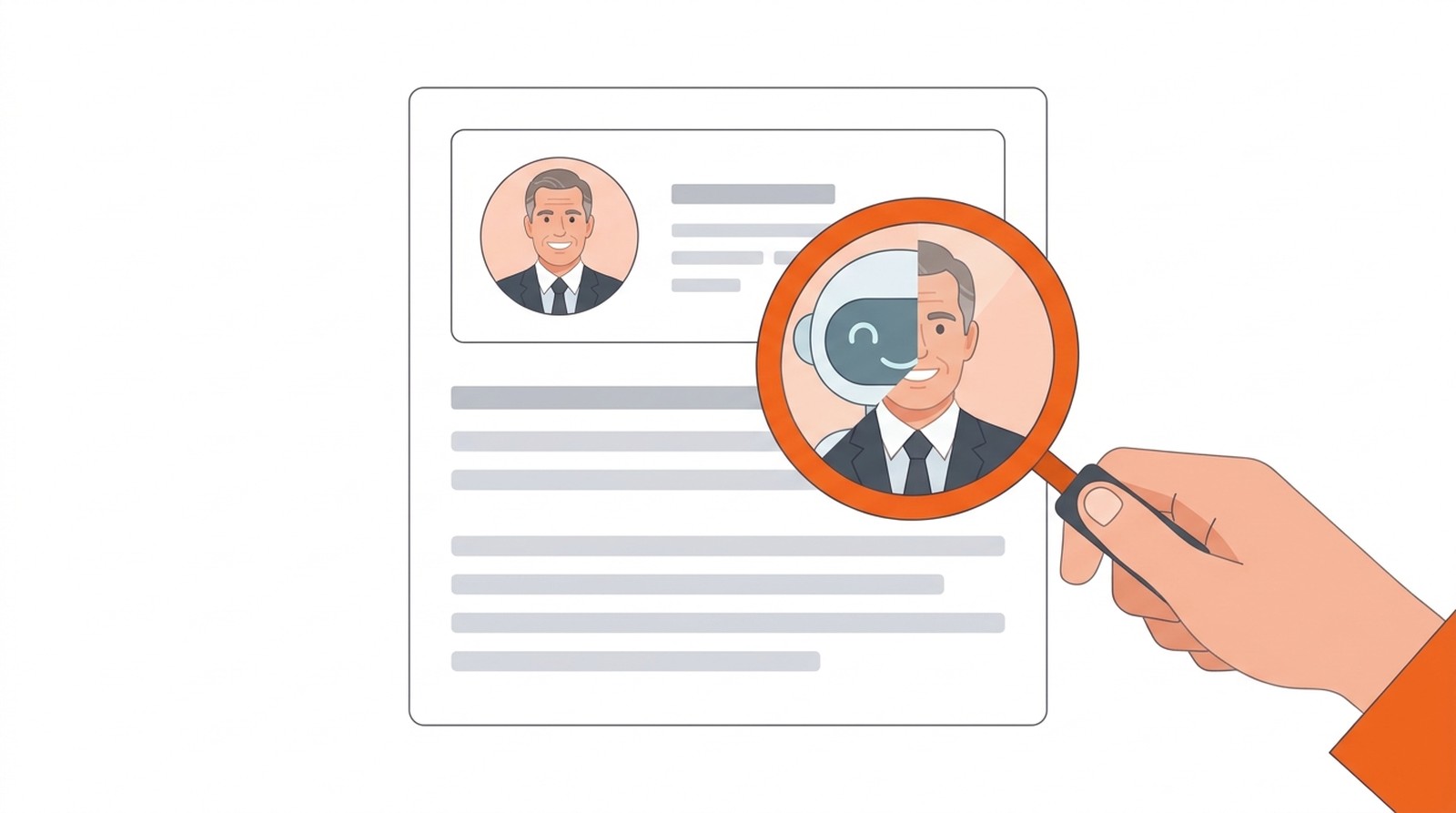
1. Fake authors and borrowed expertise. An invented “expert” byline is a trust problem. I’ve unpacked why fake AI authors backfire separately.
2. Facts nobody verified. The ACSC’s small business AI guide describes a lawyer who used AI to prepare a court document containing false legal cases, didn’t verify it, and was barred from operating and owning a law practice. Your version is smaller: a wrong price, or a warranty you don’t offer.
3. Reviews nobody wrote. The ACCC is plain: it’s against the law to create fake or misleading reviews. “Write five Google reviews for us” is the fastest route there.
4. Customer data pasted into a public tool. The OAIC says it “recommends that organisations do not enter personal information, and particularly sensitive information, into publicly available generative AI tools”. The ACSC adds that some providers may use submitted data to train their models, depending on settings or subscription. Whether the Privacy Act applies depends on your business, so confirm with the OAIC.
5. Chatbots that don’t say they’re bots. The OAIC says public-facing chatbots should be clearly identified, and the National AI Centre says customers “should know this is not a human specialist”. For bots that take actions, read what AI agents actually are.
If you have to review everything, where’s the saving? That’s the whole test. If checking takes as long as writing, keep the job. Only about half of the businesses using AI check its outputs before they affect customers, according to the same survey. That gap is the real risk.
Got a job in mind? Run it through the two-minute check below and see what to fix before you hand it over.
The two-minute check
Pick one marketing job you’d hand to AI, answer seven yes or no questions, and see what to fix first. Nothing is saved or sent anywhere.
Not legal advice. Whether the Privacy Act applies depends on your business, so confirm with the OAIC.
How to use AI in small business: one job, a stopwatch and a page of rules
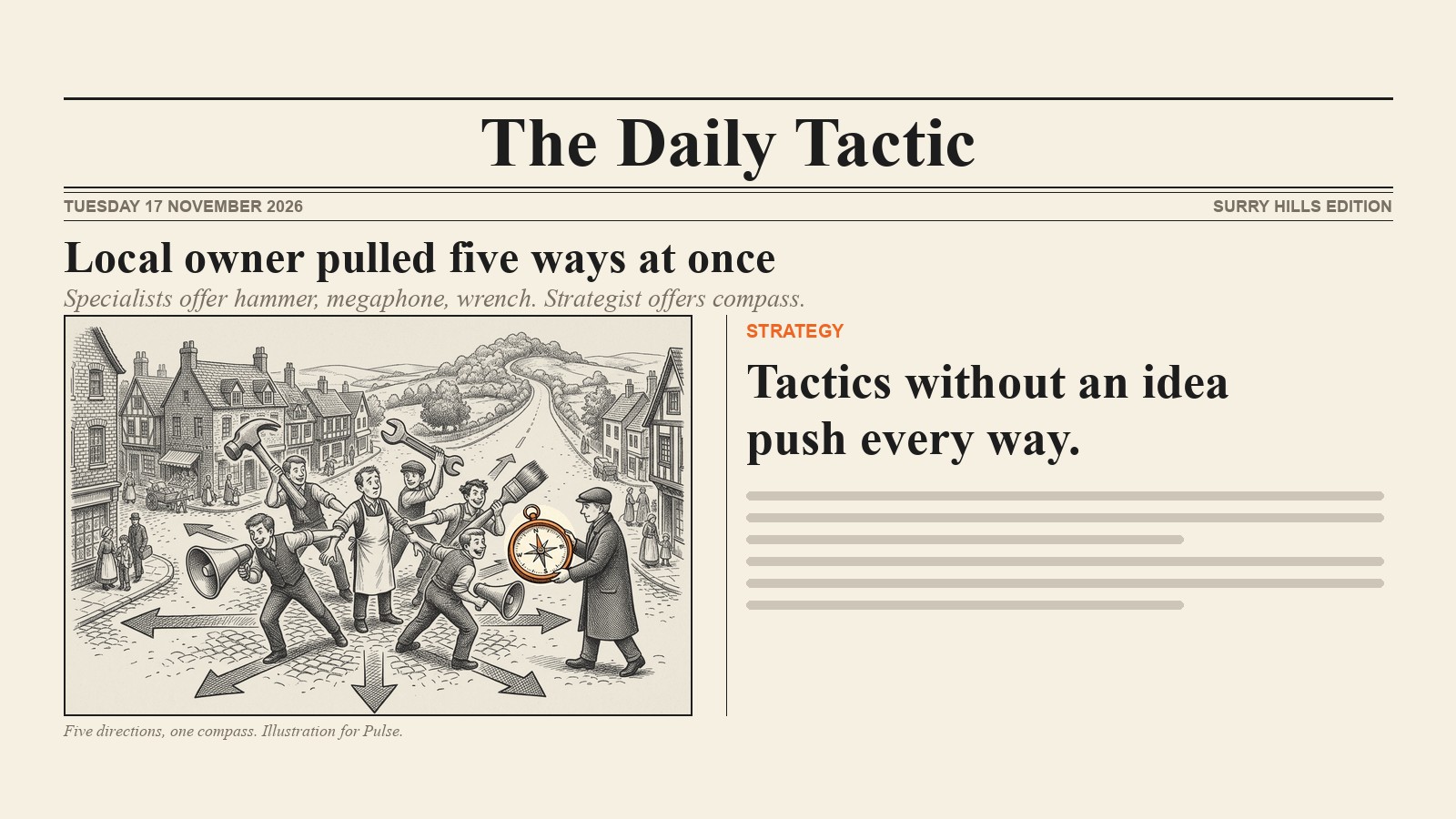
A faster bad email is still a bad email, so if you don’t know who you’re talking to, sort out the marketing plan first. Then trial the job that passed the check. As the National AI Centre puts it, “You don’t need to do everything at once.”
- Week 1: time the job the old way. Write a one-page AI policy: who’s accountable, what never goes in (personal information), which tools are approved, and that a person reviews everything customers see.
- Weeks 2 to 3: do the job with AI. Log your time, checking included, and what you had to fix.
- Week 4: keep, change or stop. If draft plus review isn’t clearly quicker, stop.
There’s no reliable Australian figure for hours saved on marketing jobs, so your log is the only number that counts. One hour a week is 52 hours a year.
How to choose AI tools for small business: start with the ones you already have
I won’t rank tools; any list would date before your next BAS. Start with the AI inside your email platform, office suite, design tool or CRM, then add one general assistant on a business plan if you need it. A paid plan isn’t a privacy fix on its own, so check its data settings and terms.
If you already pay for Google Workspace, this three-minute Google demo shows Gemini drafting social posts for a small business, a good first job to time.
Then put any tool through the ACSC’s questions: what data it collects and where it’s stored, who owns that data, whether it trains its models, and where to fact-check its outputs.
Do you have to tell customers you used AI? Sometimes, and always for chatbots
The National AI Centre’s disclosure guidance says it depends on impact and on how much AI created. Higher-impact content may need a label, a watermark or metadata; lightly edited, low-impact content might need none. Chatbots should always be identified.
Pick one job, time it, then decide
Which marketing job in your week could you check in two minutes? Run it through the check and start the trial on Monday. That’s AI for small business at its most useful: the tool does the prep, you do the sign-off. If you’d like help with the email and CRM automation side, or a proper marketing plan, talk to us at Pulse.
FAQ
How can AI be used for small businesses?
Give it jobs a person can review quickly: first drafts from your own notes, ad headline variations, plain-English report summaries and draft replies to customers. Keep a human on every sign-off and personal information out of public tools, then trial one job for four weeks.
What is the best AI for a small business?
Usually the one already in your software, inside your email platform, office suite, design tool or CRM. business.gov.au suggests checking existing tools before adding new ones. If you need more, add one general assistant on a business plan after reviewing its data settings. Job first, tool second.
Can I use ChatGPT for my business?
Yes, for prep work like drafts, summaries and ad variations, as long as a person reviews everything before customers see it. Use a business plan where possible, check whether your data trains the model, and keep personal details out. Your business stays responsible for what the tool produces.
What should I never share with ChatGPT?
Personal information, especially sensitive details such as health records; the OAIC recommends against entering it into publicly available generative AI tools. That covers customer names, addresses, emails and job histories, plus passwords and confidential business details. Remove identifying details first, and ask the OAIC about your Privacy Act obligations.