

Ecommerce SEO has two shopfronts now. Most stores only set up one.
Google shows an online store in two places: the blue-link result your pages feed, and the product grid your Merchant Center feed and product markup feed. Most stores only dress one. Category pages, filters, free listings, stock and AI shopping, platform by platform.
You’ve rewritten the meta titles. You’ve published the blog posts. Your products still aren’t showing in the product cards sitting above the regular results.
That’s not bad luck. Most ecommerce SEO advice still treats Google as ten blue links. For product searches, Google shows your store in two shopfronts: the search result and the product grid. Most stores set up the search result and leave the product grid half empty.
Melbourne ecommerce SEO consultant Brodie Clark has tracked how much page-one space those free product grids can take:
Organic product grids “can take up almost half of all organic real estate on page one.” — Brodie Clark, Organic product grids
Put plainly: when a grid shows, your page copy has little say over a big slice of page one. If I had one month to improve SEO for a small online store, I wouldn’t spend it on another blog post. I’d spend it on category pages, filter URLs and the product data Google reads. That’s what ecommerce SEO in Australia looks like now, whether you’re on Shopify, WooCommerce, BigCommerce or Neto/Maropost.
Ecommerce SEO now has two shopfronts, and they’re fed by different pipes
Shopfront one is the familiar search result: a blue link, a title, two lines of text. Your pages feed it, meaning the copy, the titles and the internal links between them.
Shopfront two is the product grid and the Shopping tab: photo, name, price, delivery, returns. Your Merchant Center feed and your structured data feed this one. Structured data is code on the page that tells Google “this is a product, this is its price, this is its stock”.
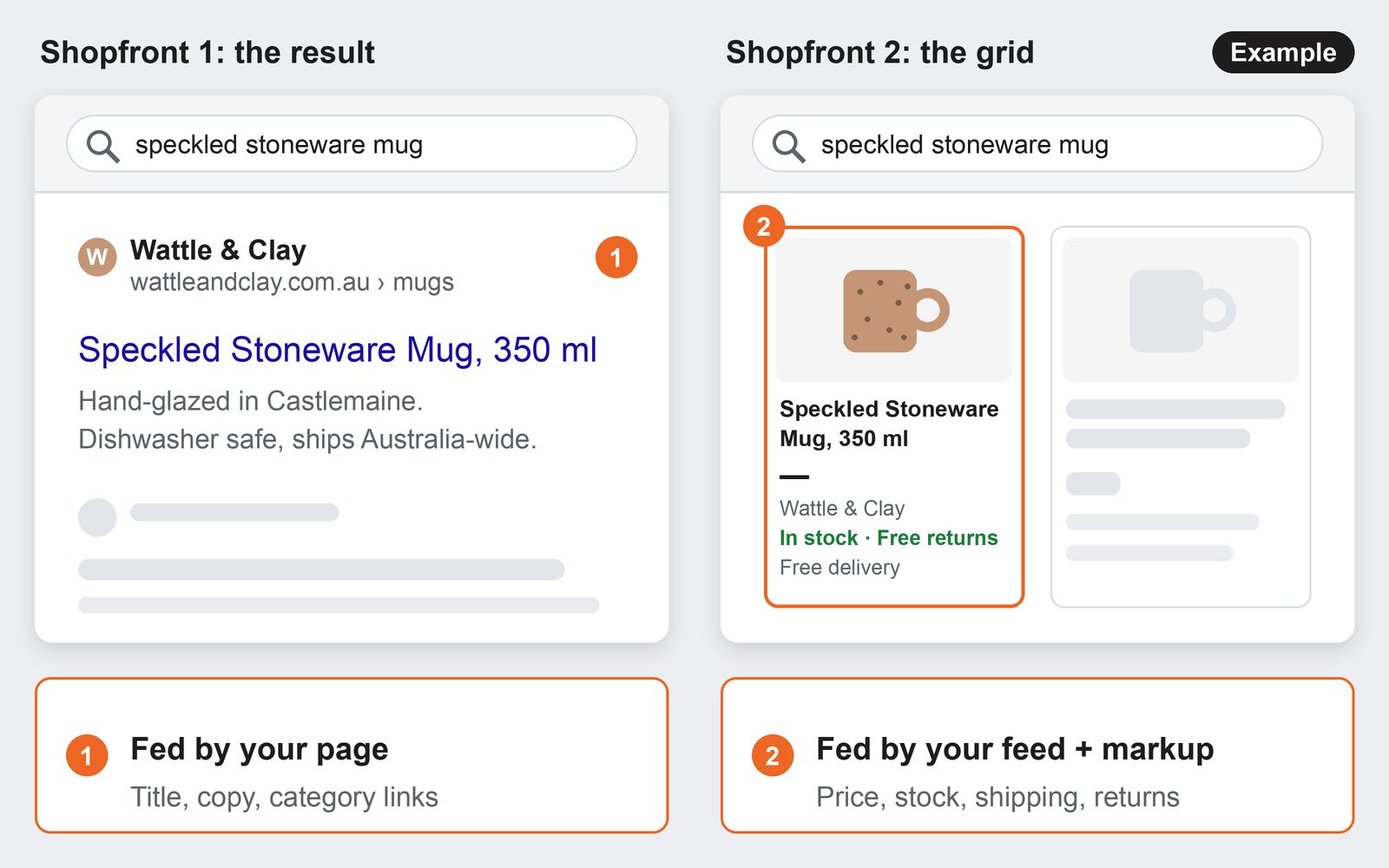
Google’s documentation says “Participation in Google Merchant Center is mandatory for some Google surfaces, such as listings in the Google Shopping tab.” It recommends supplying both structured data and a feed (Google Search Central). Not one or the other. Both.
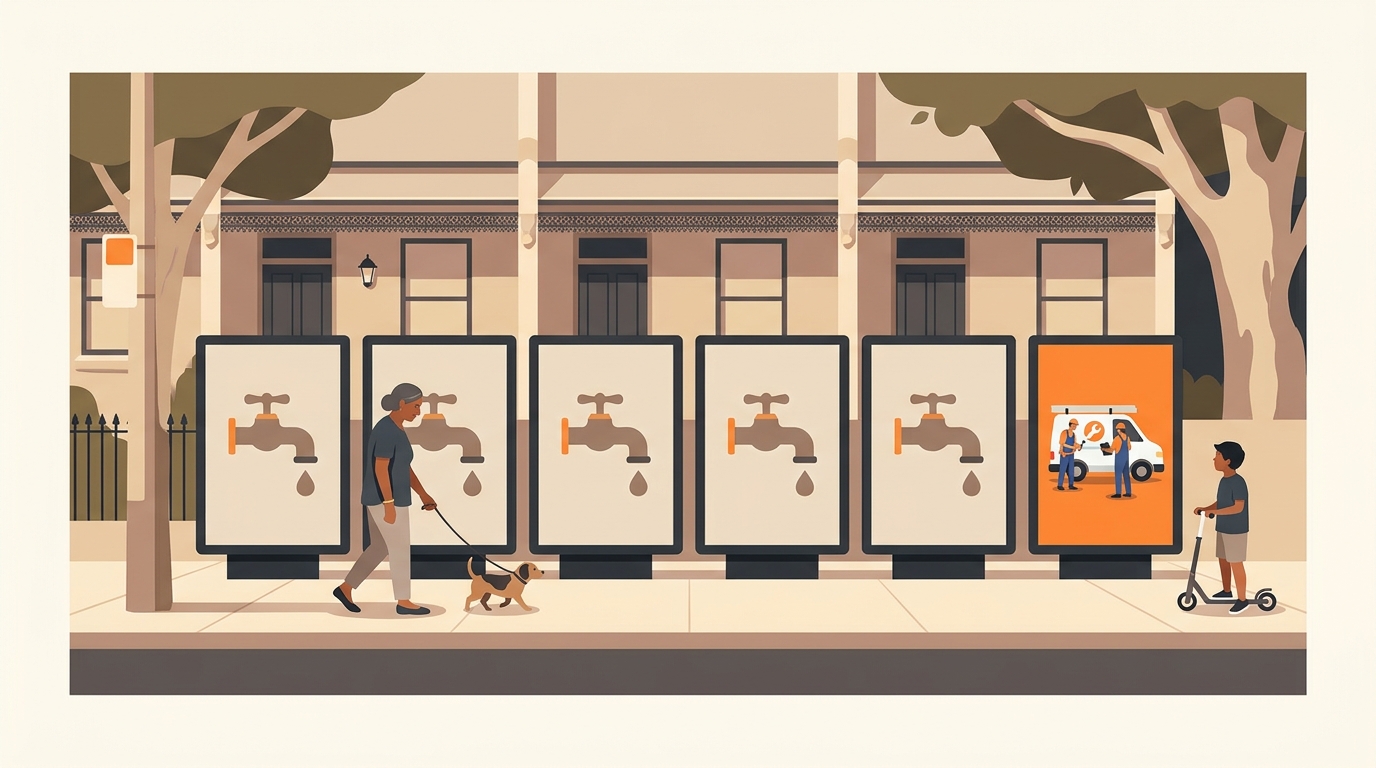
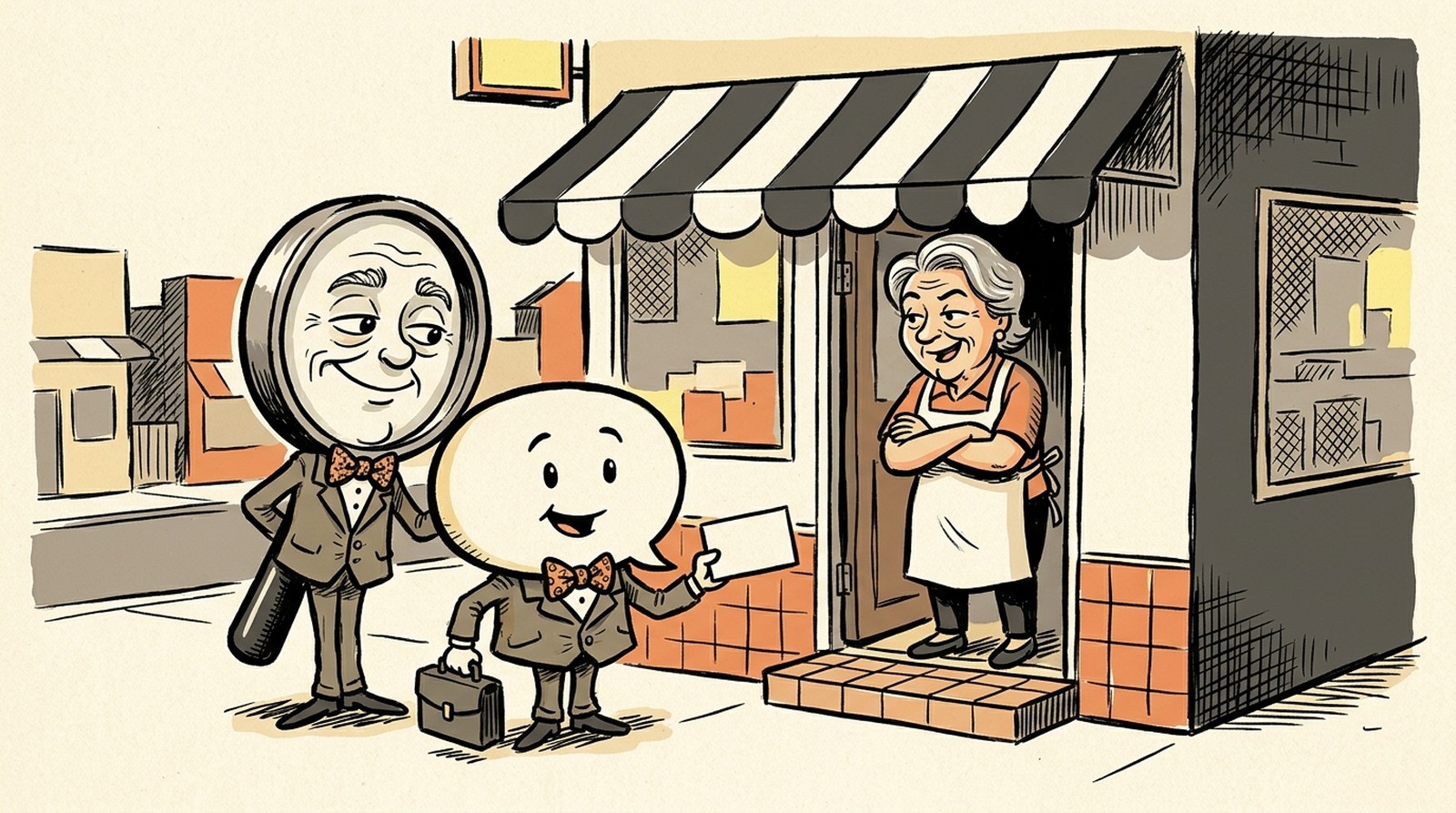
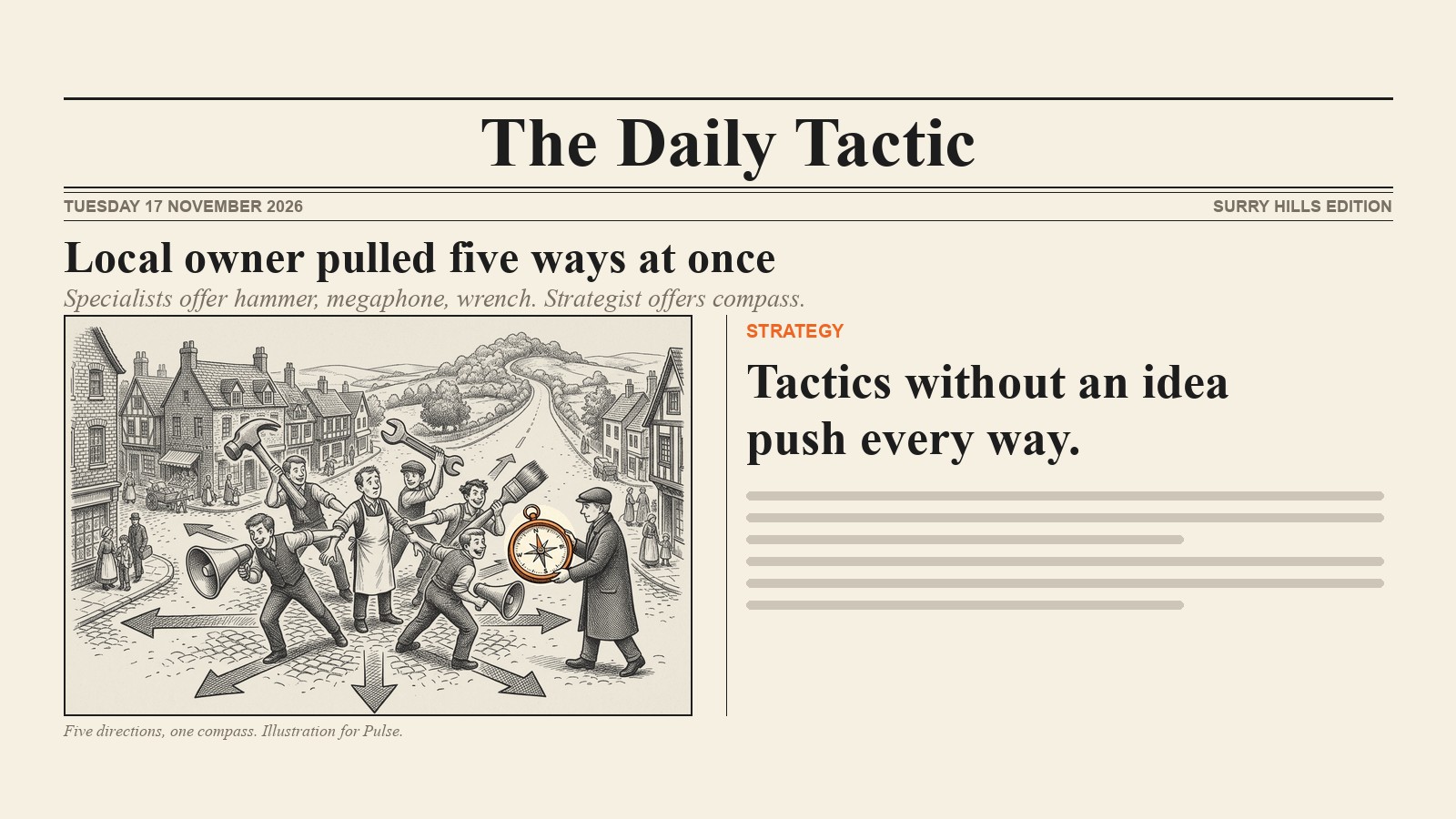
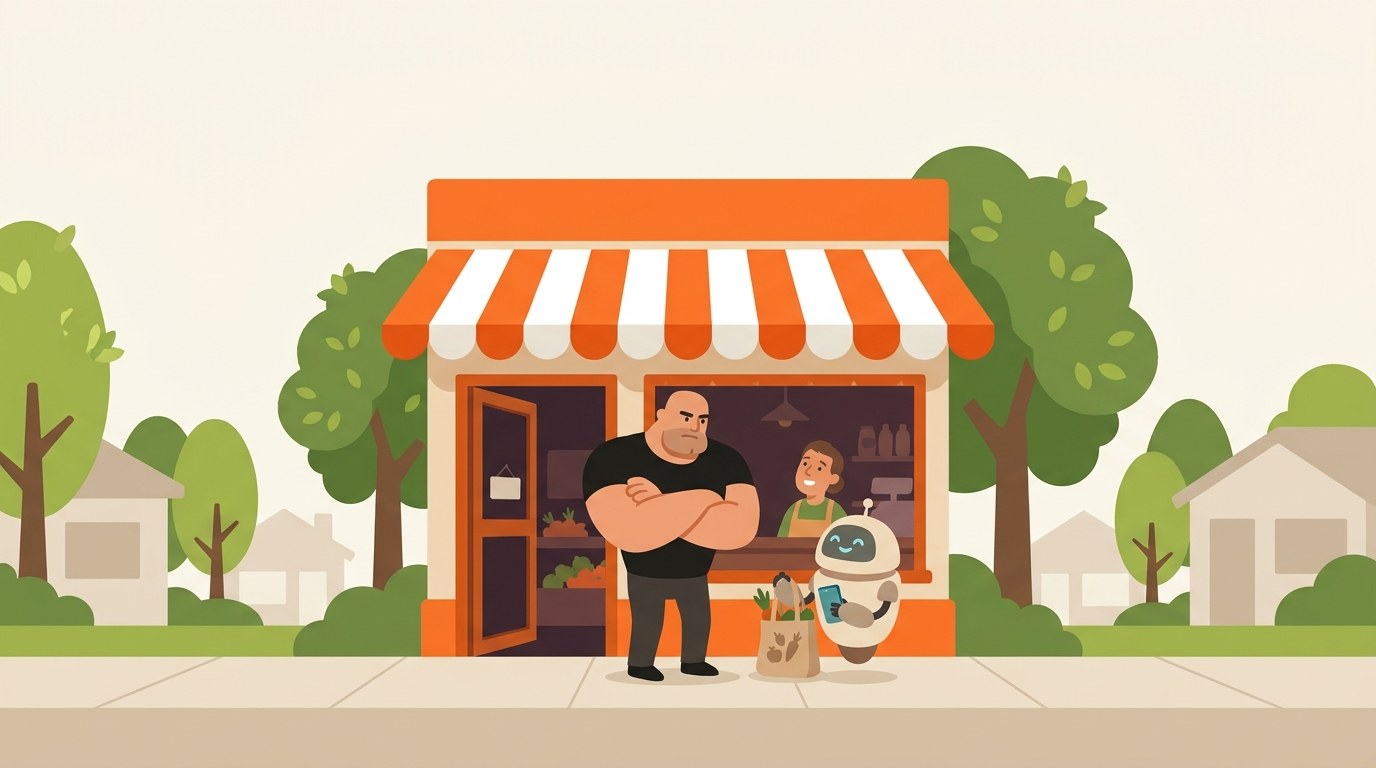
Picture a corner shop with two windows facing Google: one for the search result, one for the product grid. The owner dresses the front window every week. The side window faces the busier street and still has boxes stacked against the glass. And you don’t dress that side window with page copy: you stock it with a Merchant Center feed and product markup.
What I’d stop doing straight away is treating Merchant Center as “the ads thing”. It’s the supply line for the side window.
Category pages do the heavy lifting, so stop leaving them bare
For a product search, the page that should rank is usually a category page, not a blog post. A bare grid with no crawlable links and no copy is a shop with the lights off.
Start with links. Google says “It’s strongly recommended to link to all products that you wish indexed,” using real <a href> links, not buttons or JavaScript-only “load more” (Google, ecommerce site structure). Google also wants each variant to be identifiable by its own URL, usually via a simple parameter such as ?colour=sage (Google, URL structure).
Pagination is where old habits linger. Google wants a unique URL for every page and says “Don’t use the first page of a paginated sequence as the canonical page” (Google, pagination). A canonical is the tag naming the main version of a page. As for rel next/prev, “Google no longer uses these tags”, though plenty of audits still flag them with great confidence.
Then the words. This part is practice, not a Google rule: a short, useful intro that helps someone choose. Use the terms Australians actually type, like “doona cover” rather than “duvet cover”. If you’re on Shopify, the platform-specific fixes live in our Shopify SEO post.
This is also where smaller stores can win ground the marketplaces often leave messy. You won’t outspend them, but you can run sharper categories, better product data and stock levels that are actually true.
Don’t: for example, a homewares store’s “Linen cushions” page that’s only a heading and a wall of tiles, with page 2 canonicalised to page 1.
Do: a short intro on sizes, care and inserts. Make each page (?page=2, ?page=3) its own self-referencing URL, with a real link to every product.
What I’d stop doing is writing blog posts before the category pages have a single useful sentence on them.
Faceted navigation SEO: not every filter deserves its own URL
Faceted navigation is the filter sidebar: colour, size, material, price, sort. Shoppers love it. Crawlers drown in it, because every combination can become a new address.
Google’s faceted navigation documentation, updated in December 2025, calls this overcrawling: Googlebot spends its time on near-duplicates, so it has less time for your new, useful pages. When filtered URLs aren’t needed in Search, Google’s advice is blunt: “Use robots.txt to disallow crawling of faceted navigation URLs” (Google, faceted navigation).
The same document says canonical and nofollow are “generally less effective in the long term”. Canonicals alone won’t save you from your filters. Filters that only change the URL fragment, like #colour=sage, have no crawl impact at all.
Don’t: for example, a homewares store where every combination is crawlable, like /cushions?colour=sage&material=linen&size=45&sort=price-asc. Illustrative arithmetic: 8 colours × 4 materials × 3 sizes × 4 sorts makes 384 URLs for one category, before pagination.
Do: keep /cushions/linen/ as a real category page, with its own title, copy and menu spot, if people search for it. Disallow the rest, for example Disallow: /*?*sort= and Disallow: /*?*material=. Or switch filters to fragments. Implementation is a developer job on any platform.
One caveat that costs real sales: make sure those rules don’t catch pagination (?page=) or variant URLs. What I’d do first is count how many URLs the colour filter alone generates. Where I could be wrong: some stores genuinely get searched by filter combinations, and those deserve real pages, not a blanket block.
Google Merchant Center and free listings: not just for Shopping ads
Google says that in most cases free listings are “turned on by default” and can show across Search, Images, Lens, YouTube and Gemini (Merchant Center Help). That means on by default once you have an account and policy-compliant products. It isn’t automatic visibility. Australian stores also need shipping settings configured.
Getting products into Merchant Center is unglamorous, but it decides whether the second window gets stocked:
- Shopify: its Google sales channel.
- WooCommerce: Google for WooCommerce, a free sync to Merchant Center (WooCommerce).
- BigCommerce: its Google channel.
- Neto/Maropost: the Google Shopping Data Feed, where “It can take 24 hours for feed data to update from Maropost to Google” (Maropost). Change a price on Monday morning, and Google may show the old one until Tuesday.
Then run Brodie Clark’s health check. Search Console’s Merchant listings report counts which product pages qualify for these rich results. Compare its valid items with how many products you sell. “If there are considerably fewer valid items in the Merchant listings tab, then you’ve got a problem on your hands” (Brodie Clark).
If I could only do one thing this week, it would be that comparison. It’s quick, and it shows how empty the side window is.
The second window isn’t a new idea
In late 2013, when Shopping was paid-only, we worked with Caffè Ottavo, an online store selling Nespresso-compatible pods. We did keyword research, fixed audit issues, set up Shopping listings showing photos and free shipping, and ran search ads.
Our report the following February recorded a 123% lift in organic traffic in about six weeks, and 20+ keywords on pages one or two. — Caffè Ottavo case study
To be honest about it: that’s over a decade old, and several things changed at once. I wouldn’t credit the listings alone, and it isn’t a benchmark. The point is that the store stocked both windows.
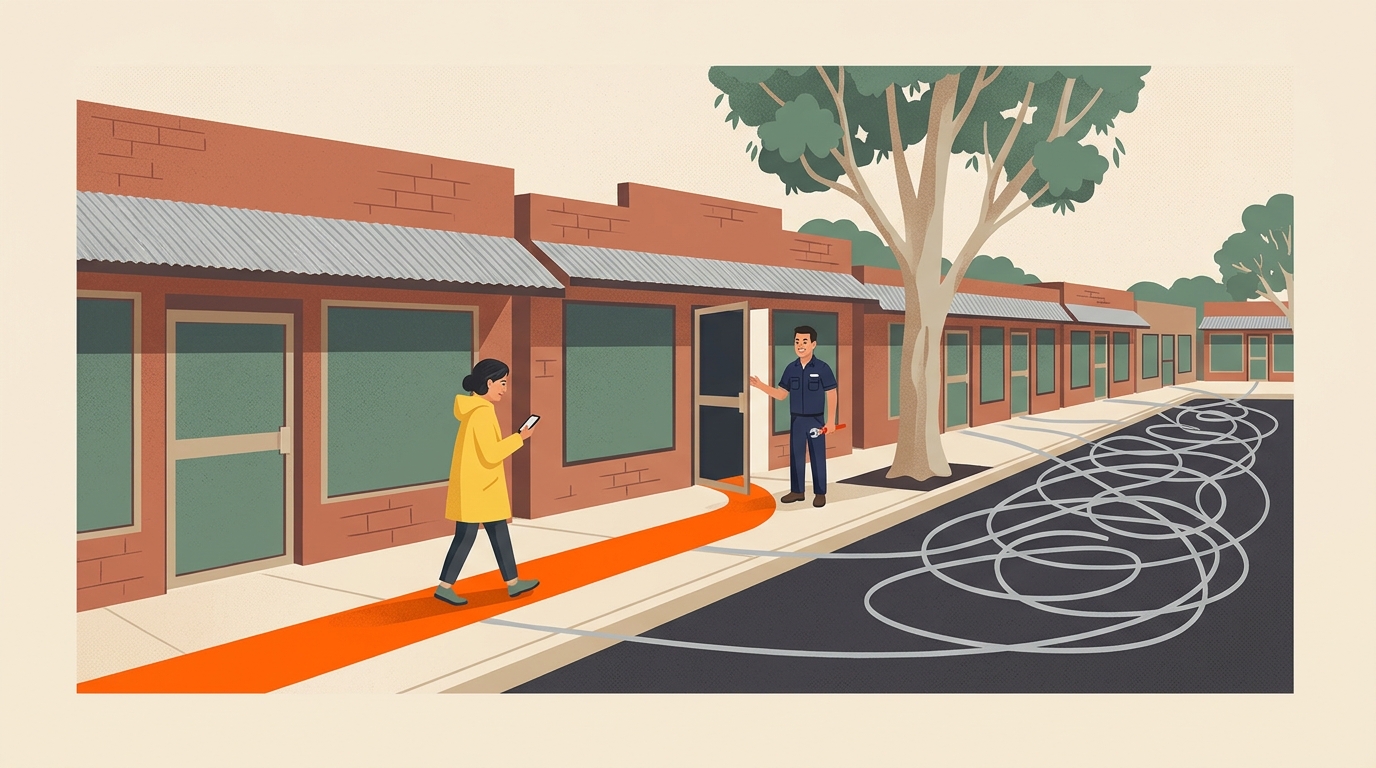
What the animation shows: one shop with two windows, signed “Search result” and “Product grid”. The owner dresses the first and keeps polishing it while shoppers crowd the empty second window, one tapping on the glass. When the grid window finally gets product cards with stock shown, the door opens and they walk in. The first window is fed by your pages; the second by your feed and markup.
Product page SEO: write for people, mark up for the grid
A product page has to do both jobs at once: convince the shopper, and give Google clean product facts it can trust. Google’s merchant listing documentation is strict about the second part (Google, merchant listings):
- “Merchant listings require an Offer.” An AggregateOffer, a price range across variants, won’t qualify. Brodie’s definition helps: “Merchant listings are enriched free listing features for online stores on Google” (Brodie Clark).
- Price must be greater than zero.
- Add shippingDetails and hasMerchantReturnPolicy, or set store-wide shipping and return policies at organisation level.
- Include gtin (the barcode number) and group variants with ProductGroup, as Google recommends.
Here’s the catch: where both exist, Merchant Center settings take precedence over the markup. So the two have to agree. The mismatches I’d hunt for first, for example: a sale price on the page that never reached the feed; a page selling “sage” while the feed says “green”; a feed saying in stock while the page says sold out.
If your page promises free delivery and your feed says otherwise, which one do you reckon Google shows?
Google’s own seven-minute walkthrough of what makes a product page eligible:
Out of stock is a pause. Discontinued is a goodbye.
Google has no dedicated page on this, so treat what follows as how we handle it at Pulse, not a Google rule.
Temporarily out of stock: keep the page live. Set availability to OutOfStock, or BackOrder or PreOrder where true, in both markup and feed. Those values appear in Google’s merchant listing documentation. Show alternatives or a back-in-stock alert.
Gone for good: use a 301, a permanent redirect, to the closest replacement or the parent category (Google, redirects). Don’t dump everything on the home page; send people somewhere that still matches what they wanted. Gone with no sensible replacement: let the page return a 404 or 410.
For example, a sage linen cushion that’s back next month keeps its page. A colourway that’s never returning redirects to the linen cushions category.
AI shopping reads the same shop data, so switch the basics on
You’ll hear that AI will make all this pointless. Kaiser (University of Hamburg) and Schulze (Frankfurt School) studied 973 ecommerce sites:
ChatGPT made up over 90% of LLM referral traffic but under 0.2% of total traffic, and organic search converted about 13% better. — Modern Retail, reporting Kaiser and Schulze
That’s fewer than two visits in every thousand. The authors’ verdict: “Results contradict widespread expectations of LLM superiority.”
Still, Google launched AI Mode in Australia in October 2025. Its Shopping Graph holds “more than 50 billion product listings, 2 billion of which are updated every hour” (Google). That’s over half a million a second. Merchant Center Help lists buying directly inside AI Mode and Gemini for select merchants, including in Australia.
OpenAI says “Product results are not ads” (OpenAI Help) and that sites opted out of OAI-SearchBot, its ChatGPT search crawler, “will not be shown in ChatGPT search answers” (OpenAI). Brodie makes the same point: block it and you’re out of product recommendations. Instant Checkout is US only.
So no, you don’t need a shiny “AI SEO” package for this. Unblock OAI-SearchBot in robots.txt and any firewall or CDN settings, and check Googlebot isn’t caught by the same rules. Keep the feed and markup accurate, with shipping and returns stated in both. How much will AI shopping matter for small Australian stores? Unknown. Anyone pretending otherwise is selling fog.
An ecommerce SEO audit in priority order
Start where sales are most likely leaking:
- Merchant Center diagnostics and disapprovals, then Merchant listings valid items against your product count.
- Feed against page on your top sellers: price, stock, colour, shipping.
- Your biggest category pages: useful copy and real links.
- Filter URLs being crawled.
- robots.txt rules for Googlebot and OAI-SearchBot.
Measure with Search Console’s performance report filtered to the Merchant listings search appearance, Merchant Center’s performance reports, and GA4 revenue by landing page. If your platform or theme can’t handle this, stop treating it as a copywriting problem. It’s a build problem, and a website rebuild conversation.
Set up both shopfronts before writing another blog post
If your SEO for ecommerce has turned into “publish more blogs”, it’s already off track. The work is sharper category pages, filters that don’t flood Google, product data that matches the page, stock status that stays honest, and crawlers you haven’t blocked by accident.
How many products do you sell, and how many does Google count as valid? Which window has your effort gone into this year? Rather not run the ecommerce SEO audit alone? Talk to us and we’ll check both windows before you write another blog post.
Frequently Asked Questions
What is ecommerce SEO?
It’s the work of getting an online store’s products found in unpaid search results. For product searches, that means two places: the regular result, fed by your pages, and the product grid and Shopping tab, fed by your feed and product markup. Brodie Clark found grids can take almost half of page one.
Do I need Google Merchant Center if I don’t run Shopping ads?
To appear in the Shopping tab, yes. Google says Merchant Center participation is mandatory for some surfaces, including that one. Free listings are on by default once your account and products meet Google’s policies. They can show across Search, Images, Lens, YouTube and Gemini. Australian stores also need shipping settings configured.
Should I block faceted navigation URLs?
For most combinations, yes. Google’s faceted navigation documentation recommends disallowing filter URLs in robots.txt when you don’t need them in Search. It says canonical and nofollow are generally less effective long term. Keep filtered pages people genuinely search, like linen cushions, as real category pages, and never block pagination.
Can ChatGPT find my products?
Only if OpenAI’s crawler can reach your site. OpenAI says sites opted out of OAI-SearchBot won’t be shown in ChatGPT search answers, and that product results there are not ads. Check robots.txt plus any firewall or CDN bot rules. Instant Checkout is currently available in the US only.
Is ecommerce SEO still worth it in 2026?
Yes. Australia Post’s latest eCommerce Report counted 9.8 million Australian households shopping online last year. In a study of 973 sites, ChatGPT sent under 0.2% of traffic, and organic converted about 13% better. Search hasn’t gone anywhere. It has more windows.