Website security needs a name next to it, not just a plugin
The FBI says hacked WordPress sites helped spread ransomware through Google results. For Australian owners, website security starts with one thing: a name next to it.
Here’s the one website security job for this week: write down the name of the person in charge of your website, and ask them when they last tested a backup. If you can’t name anyone, that’s the problem to fix first.
Website security usually gets treated like the smoke alarm: installed at launch, then ignored until it beeps. The FBI has just given owners a reason to look up. On 16 November 2026 it published an alert about Gootloader, malware that spreads through hacked WordPress sites and Google search results. As of October 2026, the FBI counted over 1,000 infected WordPress sites and over US$28 million in ransomware payments linked to it.
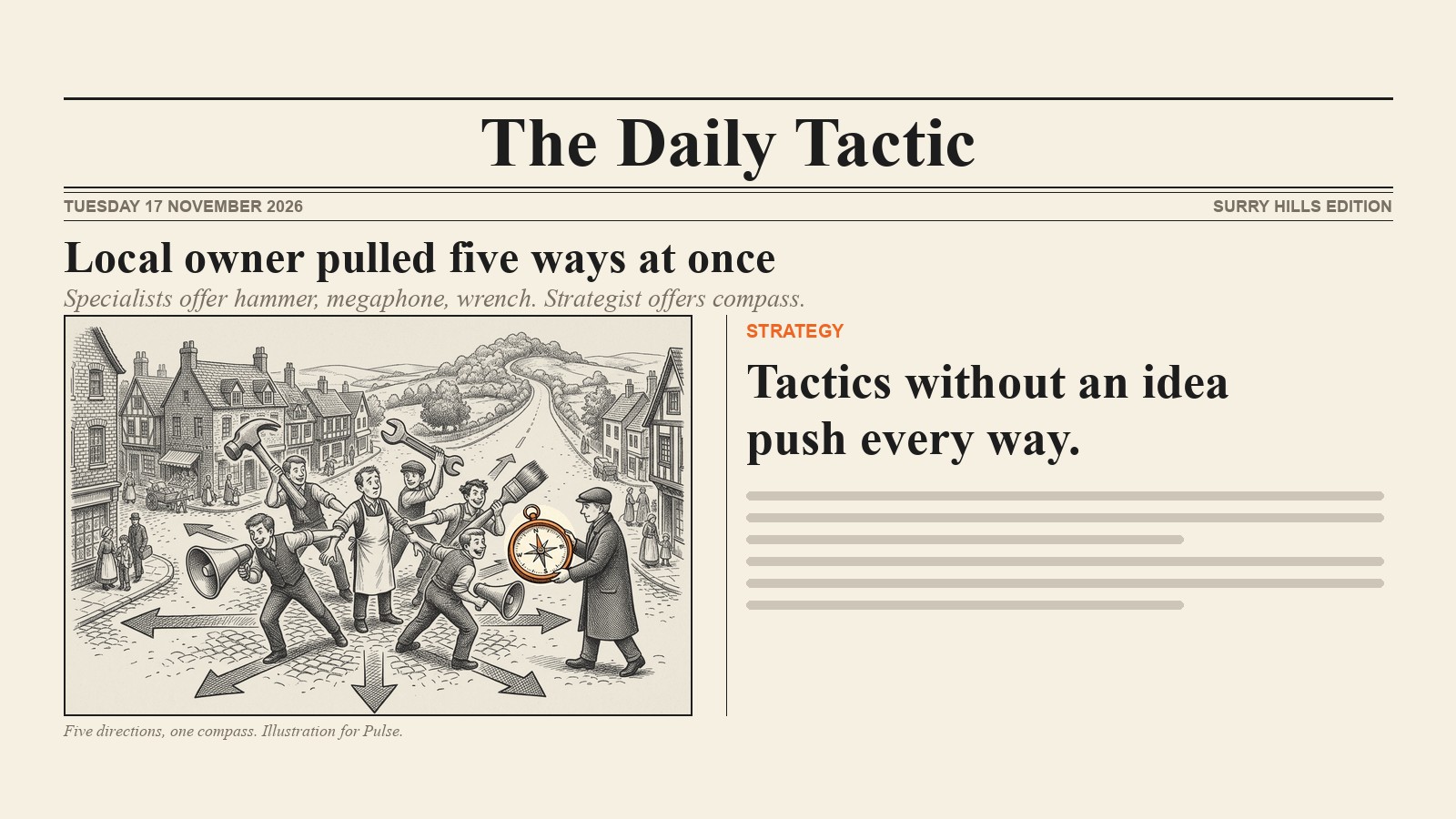
My view is simple. The fix isn’t a fancier security plugin. It’s a name. When we look at small business websites that have been neglected, the usual story isn’t that nobody cared; it’s that nobody was given the job after launch day. The FBI’s own advice points the same way, and so does Australia’s.
What the FBI found, in plain English
The trick is called SEO poisoning. Attackers break into ordinary WordPress sites, often through an old plugin or a stolen password, and quietly add pages built to rank for very specific searches. The FBI’s example is “a jurisdiction-specific contract clause”: the kind of thing a lawyer or office manager searches when they need a document fast.
Someone clicks the result, lands on a page offering the file they wanted, downloads it, and the malware opens the door for ransomware later. The current campaign in the alert mainly targeted US legal professionals.
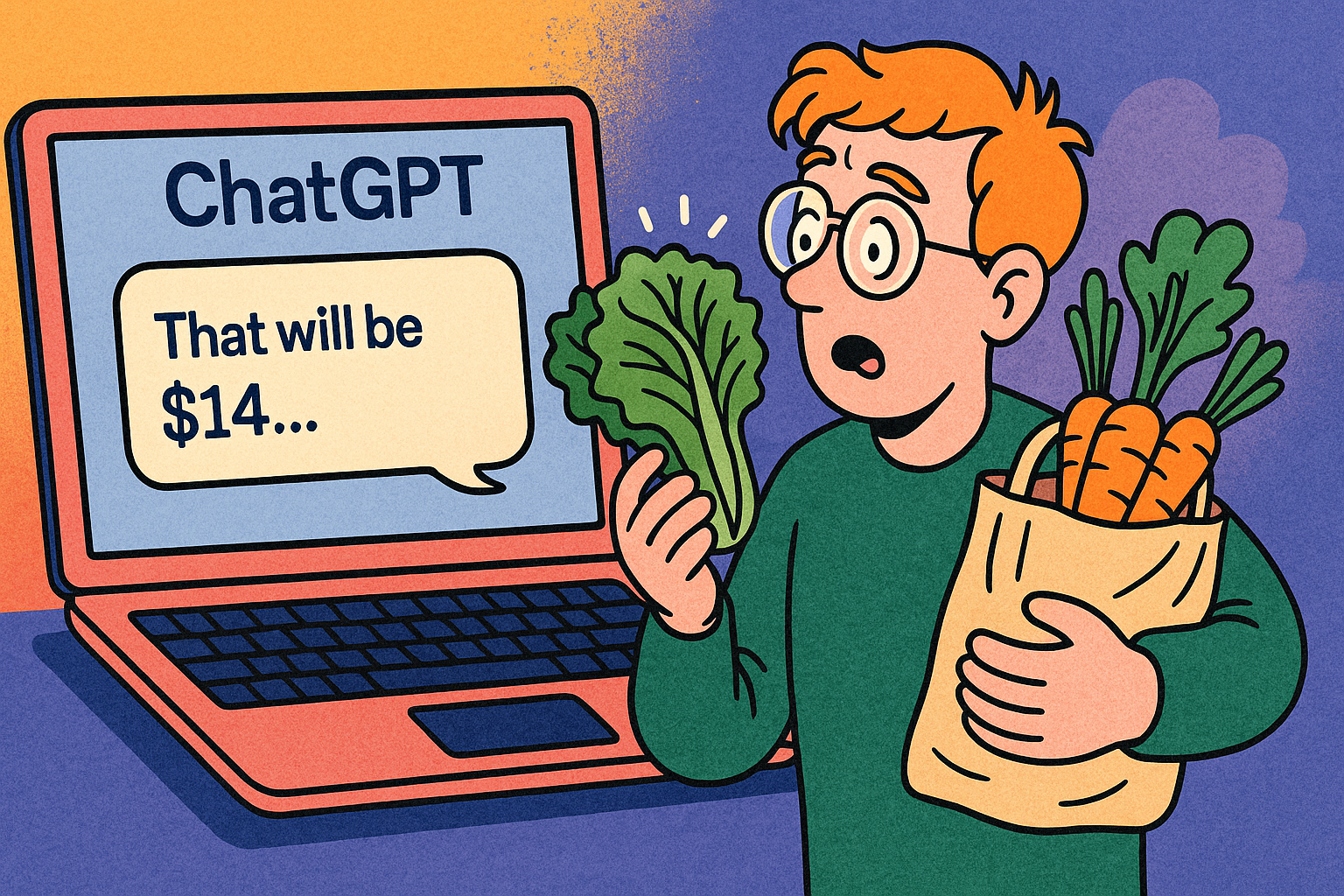
What the animation shows: someone searches for a contract clause template and finds a download on a fictional plumber’s website. Visitors from Google get a download page, while the owner sees the normal homepage and thinks all is well. The only clue is in Search Console: the site is suddenly showing up for a search like “inheritance tax uk” that has nothing to do with plumbing. It ends on the line: your site can be the victim and the delivery truck.
Two details matter for owners:
- They break into your site to reach someone else. Hacked sites worked as “lure pages, redirectors, traffic filters, or relay infrastructure”, in the FBI’s words. As SEO consultant Bill Hartzer put it, your site can be “a victim and the delivery truck at the same time”.
- You probably wouldn’t notice. The attackers showed the bad pages only to the people they wanted, filtering visitors by country, cookie or IP address. You open your homepage, everything looks fine, and meanwhile a page you’ve never seen is ranking in Google for a tax question.
Is this new? Not really. Barry Schwartz at Search Engine Roundtable pointed out that the tactic has been around for years. What’s new is the FBI putting SEO in a ransomware alert, and a ranked list of what to do about it.
Why an American alert matters for Australian websites
Australia has already seen this exact trick. ASD’s Australian Cyber Security Centre first saw Gootloader on Australian networks in mid-2021, spread through searches for terms like “agreement”. The WA Government’s security team later found poisoned downloads named after public sector enterprise agreements, and Trend Micro tracked the same group targeting Australian healthcare searches in 2023, using city names like Brisbane.
And it isn’t only Gootloader. In July 2026 the ACSC warned of a large-scale campaign against website content management systems, with “many small to medium sized Australian businesses impacted”. Its advice to non-technical owners is refreshingly direct: if a provider maintains your website, point them to the alert.
That line is the whole article, really. Point someone at it. Which means you need a someone.
Website security needs a name next to it
Ask a small business owner who looks after their website and you’ll often hear one of three answers: “the person who built it”, “the hosting company” or a long pause. The builder finished the job years ago. The hosting company may or may not update your plugins, depending on your plan. The pause is honest. Ask your host what your plan covers, then put a name against everything it doesn’t.
WordPress itself is rarely the weak point. In 2025, 91% of new WordPress vulnerabilities were in plugins and 9% in themes, according to Patchstack’s 2026 report (a security company that sells protection, so read it with that in mind). Every plugin you install is a small door. Some get forgotten, stop being updated and stay in the wall.
Patchstack also makes a fair point against my “just keep it updated” instinct: the worst vulnerabilities get attacked within hours, faster than most people update. So updates are the floor, not the ceiling. The FBI noticed something else too: these attackers often got in with stolen passwords, which no update fixes. That’s why multi-factor authentication (a code from your phone as well as the password) matters as much as patches.
The checklist to send your web developer
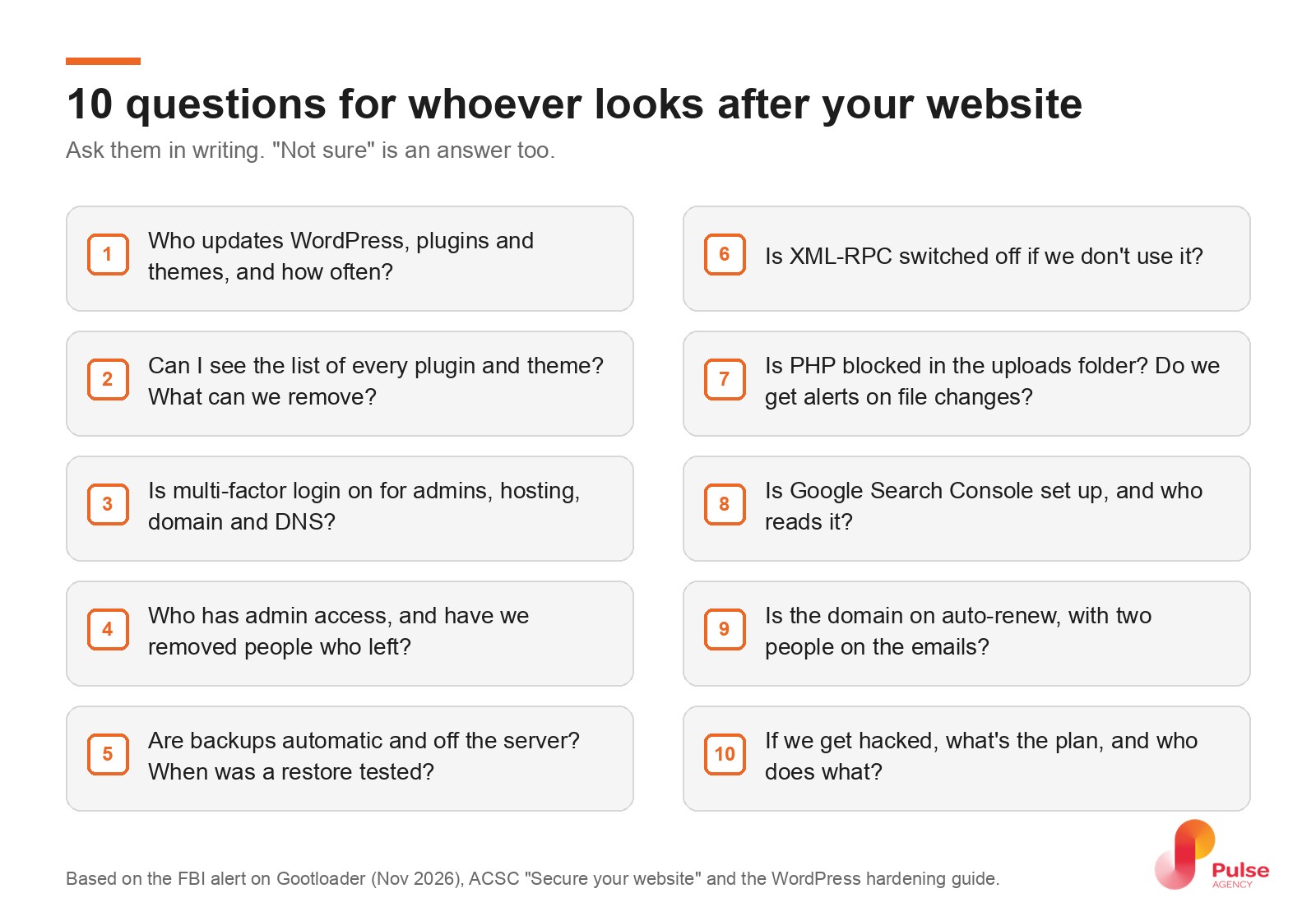
You don’t need to understand all of this. You need to ask, and get answers in writing. Start with the five you can answer yourself: who updates the site (1), who can log in (4), when a backup was last restored (5), the domain (9) and the plan if you’re hacked (10). Forward the rest to your developer. The questions come from the FBI alert, the ACSC’s guide to securing your website and WordPress’s own hardening guide:
- Who updates WordPress, plugins and themes, and how often? Automatic where it’s safe.
- Send me the list of every plugin and theme. Remove anything we don’t use, including old staging sites and old user accounts.
- Is multi-factor authentication on for every admin login, and for the hosting panel, the domain registrar and DNS?
- Who has admin access? Remove people who’ve left; give everyone else the lowest role they need.
- Are backups automatic and stored off the server, and when did someone last test a restore?
- Is XML-RPC switched off if we don’t use it? (It’s an old remote-access feature; the Gootloader attackers scanned for it.)
- Is PHP blocked in the uploads folder, and do we get alerts when core files change?
- Is Google Search Console set up, and who reads it? More on that below.
- Is the domain on auto-renew, with two people on the renewal emails?
- If we get hacked, what’s the plan? Who does what, in what order.
If the answer to most of these is “not sure”, that’s your answer. A website needs maintenance the way a ute needs a service: boring, regular, and much cheaper than the breakdown.
How do you know if your website has been hacked?
This is where SEO and security meet. The FBI tells owners to review Search Console “for unrelated legal or business queries, sudden indexed pages, manual actions, and security warnings”. In other words, a marketing report is now a security control.
- Security issues report. Google’s Security issues report in Search Console flags hacked content and malware it has found on your site.
- Odd searches. In the Performance report, look for queries that have nothing to do with you. A plumber ranking for inheritance tax isn’t a lucky break.
- Pages you don’t recognise. If Google starts listing pages you never published, send a few examples to your developer to check.
Outside Search Console, check your WordPress users list for admin accounts you didn’t create.
Google’s own short video walks through the report:
If something looks wrong, don’t just restore last month’s backup. The FBI’s order is: contain the site, change every password from a clean computer, find how they got in, close that hole, and only then restore. You can report it to the ACSC at cyber.gov.au.
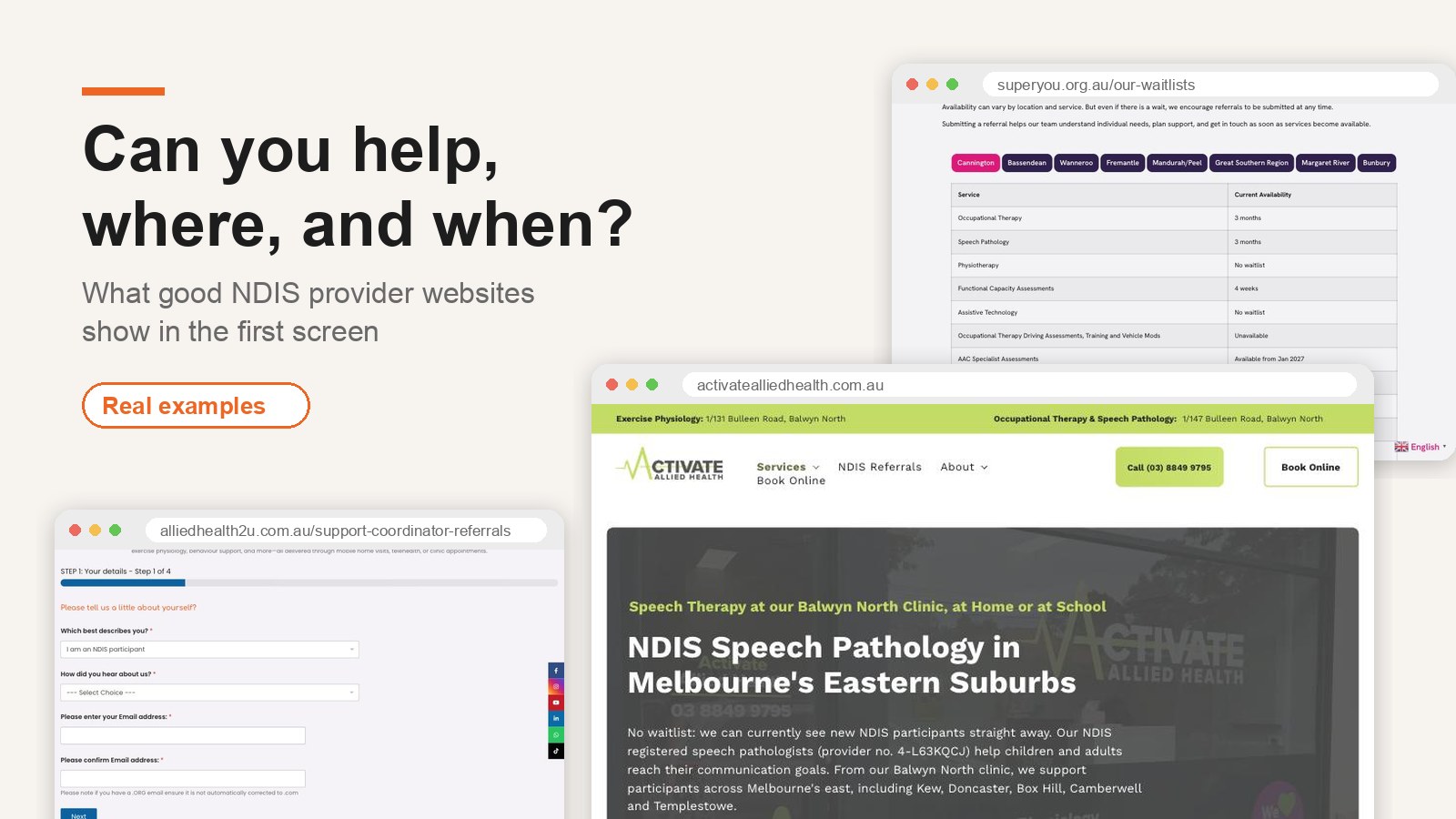
If your site holds personal information (contact form entries, client intake forms, a portal), check whether the Notifiable Data Breaches scheme applies to you. It covers businesses with more than $3 million turnover and some smaller ones regardless of size, including health service providers. Law firms, NDIS providers and allied health practices should check where they stand before they need to know, not after. I’ve written before about why trust matters more for legal and disability services than almost anywhere else online.
Where I land
There’s a fair argument on the other side: the ACSC itself suggests some businesses would be safer on a managed platform where the provider patches everything. For a simple brochure site, that can be true. For most of the law firms and professional services businesses we work with, such as Chapman Solicitors, the website is where clients first decide whether to trust you. WordPress is fine for that job, as long as it has an owner.
So here’s the decision. Write one name next to “website security”. It can be you, your developer or an agency like us for website design and maintenance. Then send that person the checklist above this week.
If you can’t think of a name, talk to us.
FAQ
What is SEO poisoning?
SEO poisoning is when attackers get malicious pages ranking in search results, usually by hacking legitimate websites and adding hidden pages. People searching for something specific, like a contract template, click a result that looks helpful and download malware instead. The FBI’s November 2026 alert linked one such campaign, Gootloader, to over US$28 million in ransomware payments.
Can my website be used to attack other people?
Yes. According to the FBI, hacked WordPress sites in the Gootloader campaign served as lure pages, redirectors and relay infrastructure for attacks on other organisations. The site owner often sees nothing wrong, because the bad pages are shown only to selected visitors. That’s why checking Search Console for strange pages and queries matters.
How do I know if my website has been hacked?
Check Google Search Console’s Security issues report, look for search queries and pages in the Performance and Indexing reports that have nothing to do with your business, and review your admin users. Warnings in Google results or from your host are also signs. Hacked content can be hidden from you, so don’t rely only on looking at your homepage.
Is WordPress safe for a small business website?
Generally yes. Most WordPress vulnerabilities are in plugins and themes, not the core software: 91% of new ones in 2025 were in plugins, according to Patchstack. The risk comes from outdated plugins, unused add-ons and weak logins. A WordPress site with regular updates, few plugins, multi-factor authentication and someone responsible for it is a reasonable choice.
Do I have to report it if my website is hacked in Australia?
You can report cyber incidents to ASD’s ACSC at cyber.gov.au. If personal information is involved and serious harm is likely, the Notifiable Data Breaches scheme may require you to notify affected people and the OAIC. Reporting to the ACSC and notifying under the scheme are separate, and a hack alone doesn’t automatically trigger the second. It applies to businesses over $3 million turnover and some smaller ones, including health service providers.