

CRM for small business: map your enquiries first, pick the software last
Most small businesses pick a CRM from a top-10 list. Map how your calls, forms and chats arrive and how a job gets to paid first, write the must-haves, then trial two or three with the people who'll use them.
Pick the CRM last. That’s the whole argument, and the rest of this guide earns it.
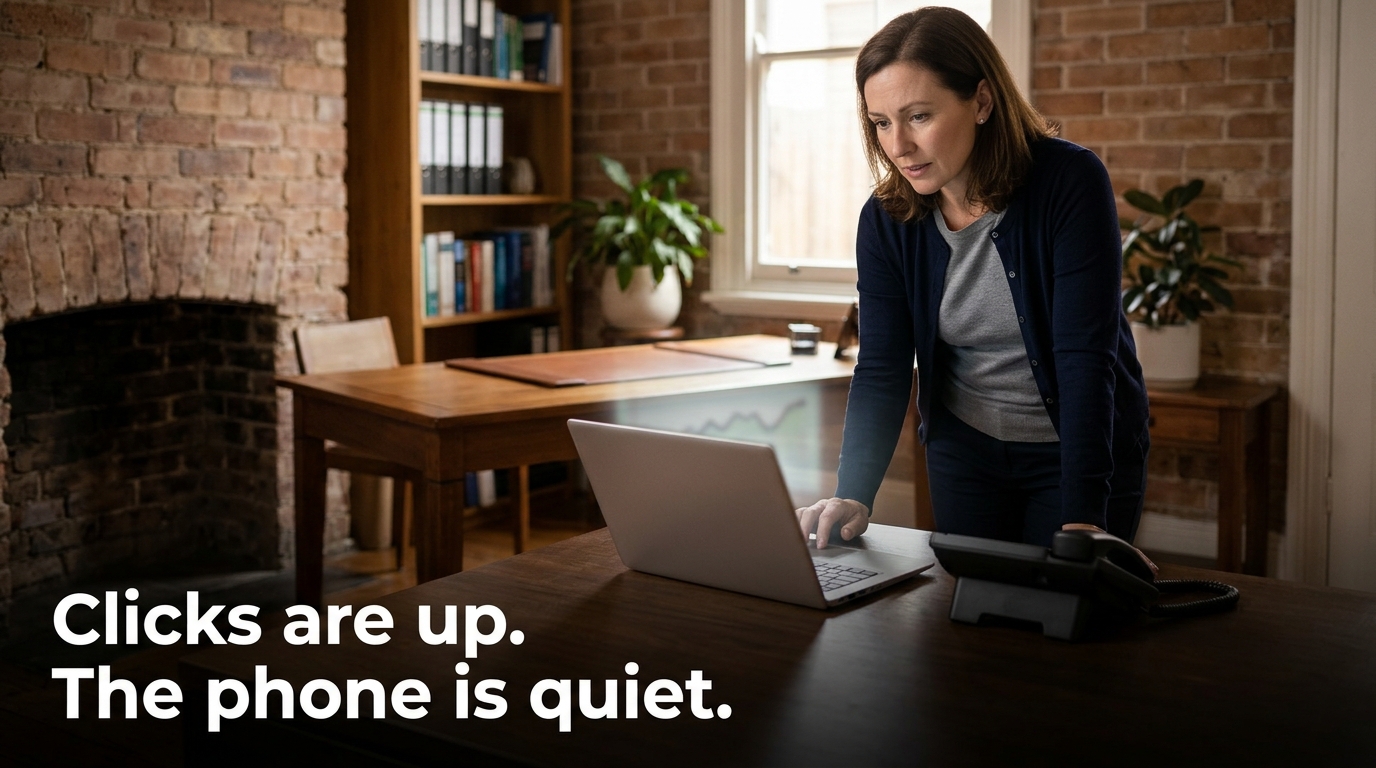
The usual order runs backwards. You read a top-10 list, book three demos and fall for the slickest dashboard. Meanwhile, the missed call from 4:52 pm on Friday sits in a voicemail nobody has played, and the web form from the long weekend is still waiting in an inbox.
Whether you run a trade, an inspection business, an NDIS service or a small law firm, choosing a CRM for small business goes far better in reverse. First, map how enquiries arrive. Then map how a job gets to paid. Only then does the software audition for the role.
At Pulse, our CRM and marketing automation team sets these systems up for Australian service businesses, but the mapping is work only you can do, because only you know where your enquiries go.
What a CRM for small business actually does (and when a spreadsheet is still fine)
Take away the sales pitch and a CRM (customer relationship management software) is a filing system that chases you. business.gov.au puts it plainly: a CRM “collects and manages your interactions with (and information about) customers, suppliers and other businesses.”
For a small service business, that means one place where every call, form, chat and email has an owner, gets followed up on time and is tracked through to a quote, a booking and a paid invoice. It won’t make your phone ring. It makes sure nobody forgets it rang.
Sometimes you don’t need one yet. For La Panchina, a Surry Hills pizzeria that took bookings by phone, we set up call tracking (a dedicated number that shows which ad or listing a call came from) and every call was logged by date. No CRM involved: see how La Panchina measured every call without one.
My rule of thumb: a spreadsheet is fine while one person handles enquiries from one or two channels. Once several people chase leads from several directions, it starts quietly losing them. If you’re a sole trader with a quiet inbox, keep the spreadsheet and get on with your day.
Step 1: Map how your enquiries arrive (calls are the ones that go missing)
Before you compare any CRM software for small business, list every way work reaches you: phone calls, website forms, live chat, email, repeat clients and referrals (from agents, support coordinators or other businesses). Next to each one, write where it lands today and who sees it first. Someone’s mobile? A shared inbox? A notebook by the till?
Why start with calls? Plenty of service businesses still win much of their work by phone, yet the CRM guides ranking in Google barely mention it. Google Ads can count “Calls from ads, Calls from website visits, or Calls via uploads”, but counting a call isn’t the same as returning it. That’s why call tracking matters for a small business long before any CRM does. The CRM is where a call becomes a job.
Tyrrells Property Inspections is the clearest example from our own work. Many of its enquiries came by phone, so we first connected call tracking to Google Ads and Analytics. Later, in 2022, we set up a contact centre in a CRM where calls and website forms landed on one board. Staff could take or assign a lead, call back from the app and reply by email, and when a card moved, the quote was created in the sales system. Read how Tyrrells put calls and web forms on one board.
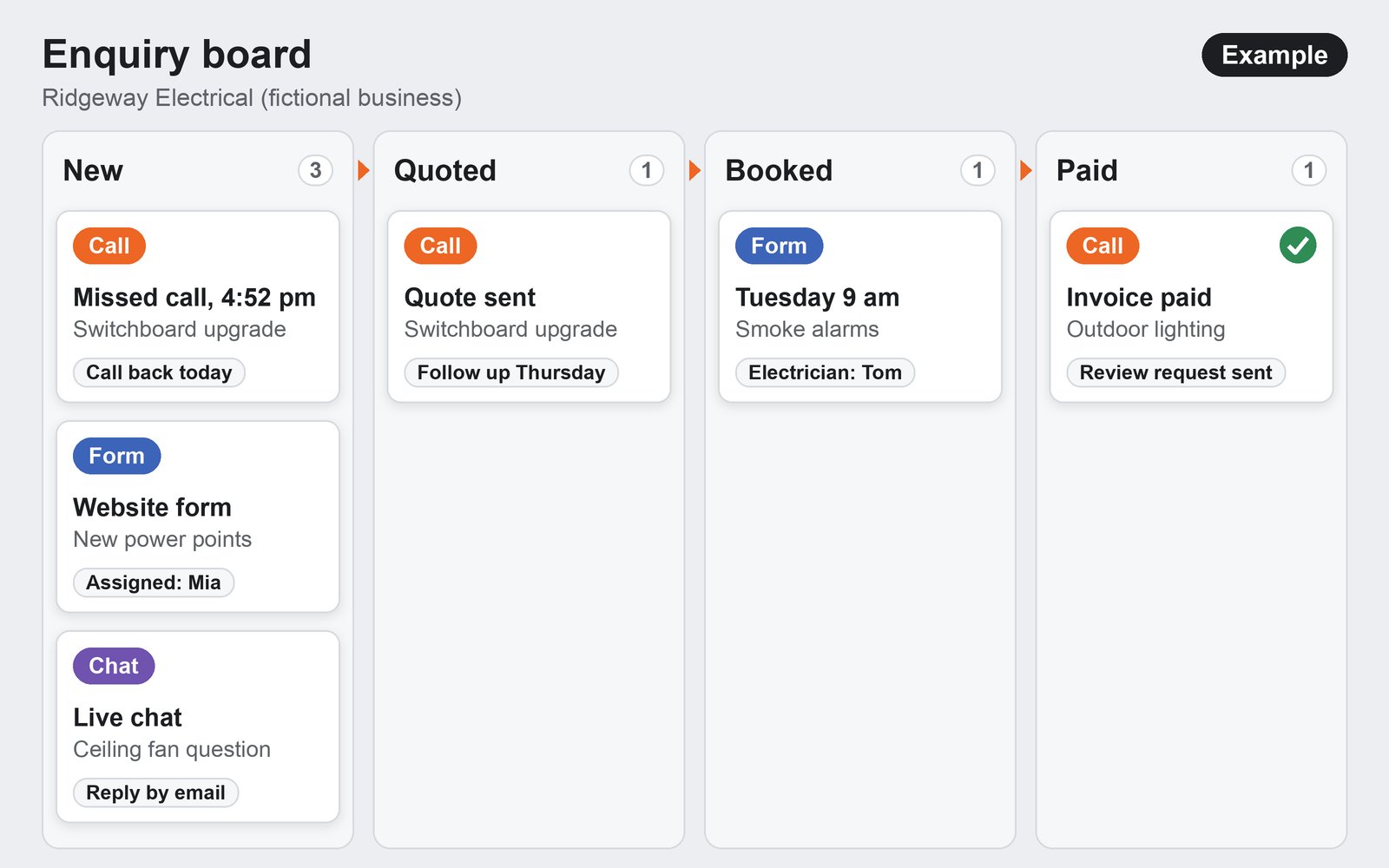
The order mattered more than the software: tracking first, then a board designed around how enquiries actually arrived. If you can’t see which channel turned into paid work, your lead generation is guesswork.
Step 2: Draw the steps from enquiry to paid job
Next, write down the steps a job goes through. For a trade it might be enquiry, call back, site visit, quote, booked, done, paid, review. An inspection business adds property details and report sent. An NDIS provider or a law firm adds an intake step, such as consent or a conflict check. Next to each step, write who does it and how fast (for example, “missed calls returned the same morning”). You set the standard; the software only enforces it.
“The CRM is not the engine. Your agreed-upon sales process is.” Sue Barrett, BARRETT, 6 November 2026
Sue Barrett, founder of the Melbourne sales consultancy BARRETT, wrote the sharpest recent piece on this. If everyone sells their own way, she warns, new software won’t save you: “Put a CRM on top of that and you do not fix it. You automate the inconsistency, and pay a licence fee for the privilege.”
Step 3: Write your must-haves before any demo, or the demo writes them for you
A one-page must-have list, built from Steps 1 and 2, stops a demo becoming a display-home tour, where everything’s staged and nobody has left dishes in the sink.
Don’t do this: “We need a CRM with AI, automation and dashboards,” then book whoever ranks first on a listicle.
Do this: take Ridgeway Electrical, a fictional Newcastle business. Its list reads: after-hours calls go to the owner’s mobile, web forms go to the office inbox, quotes happen on site and invoices go through Xero. All of it must land on one board, with a reminder if nobody calls back.
Then turn each must-have into a question for the demo:
| Must-have | Ask in the demo |
|---|---|
| Calls and forms on one board | “Show me a phone call and a web form arriving in the same place, live.” |
| Follow-up reminders | “If nobody calls this lead back, what reminds us, and who gets reminded?” |
| Quotes and job status | “Show me an enquiry becoming a quote, then booked, done and paid, without retyping anything.” |
| Contact history | “Where do I see every call, email and note for this customer on one screen?” |
| Mobile app | “Can my electrician call back, reply and update a job from their phone?” |
| Accounting link | “Does it connect to Xero or MYOB, and what actually syncs: contacts, quotes, invoices?” |
| User permissions | “Can I limit what each staff member sees and edits?” |
| Data location and export | “Where is our data stored, and can I export everything to CSV, including notes and call history?” |
The Xero App Store has a whole category of “CRM software apps that connect to your Xero account”, a handy place to start. On MYOB, ask each vendor to show the sync live. (CSV is a plain file that opens in Excel or Google Sheets.)
Don’t skip the mobile row. For Chapman Solicitors, we set up a local campaign number that forwarded calls to Joel Chapman’s mobile and logged them in the CRM, and he could call back or reply from the app. That’s how a solicitor handled calls and forms from his phone, and proof you’re never too small for a CRM when the phone is where the work starts.
Privacy: is your small business covered?
This part is serious, and I’m not a lawyer, so treat it as a map to the right source. The OAIC says: “Most small businesses are not covered by the Privacy Act 1988, but some are.” Regardless of turnover, the Act covers health service providers, businesses that trade in personal information, Commonwealth contractors, credit reporting bodies and others. If you provide NDIS or allied health services, the health service provider rules are the first thing to check.
If you are covered, two Australian Privacy Principles bite hard on a CRM. APP 8 sets out steps to take before personal information “is disclosed overseas”, which is why data location is in the table. APP 11 requires “reasonable steps to protect personal information it holds from misuse, interference and loss.”
If you aren’t covered, the OAIC still recommends you “protect any personal information you hold”, and its Privacy Checklist for Small Business is on the same page. If your CRM records calls, tell callers before the recording starts and check the rules that apply to you first.
Free CRM for small business: “free” usually means “free until you grow”
Free tiers are real and worth a look. HubSpot, for example, says its free CRM comes with “up to two users, 1,000 contacts, and no limits on customer data” and “no expiration date” (the vendor’s own words, checked November 2026).
Free plans usually cap something: users, contacts, automation, email sending or support. That’s fair enough; it’s how vendors get you in the door. Check those limits against your Step 1 map (two users is a problem if three people answer the phone), and run a test export before your data piles up.
Step 4: Shortlist two or three, then let your team do the choosing
Two or three candidates is plenty; more demos just eat your team’s week. Keep only the tools that tick every must-have, starting with the ones that connect to your accounting software.
Barrett’s rule for the demo is short: “Vendors demo against your process, not their script.” Hand each vendor one real enquiry from your map, like that missed call at 4:52 pm on a Friday, and ask them to walk it all the way to paid.
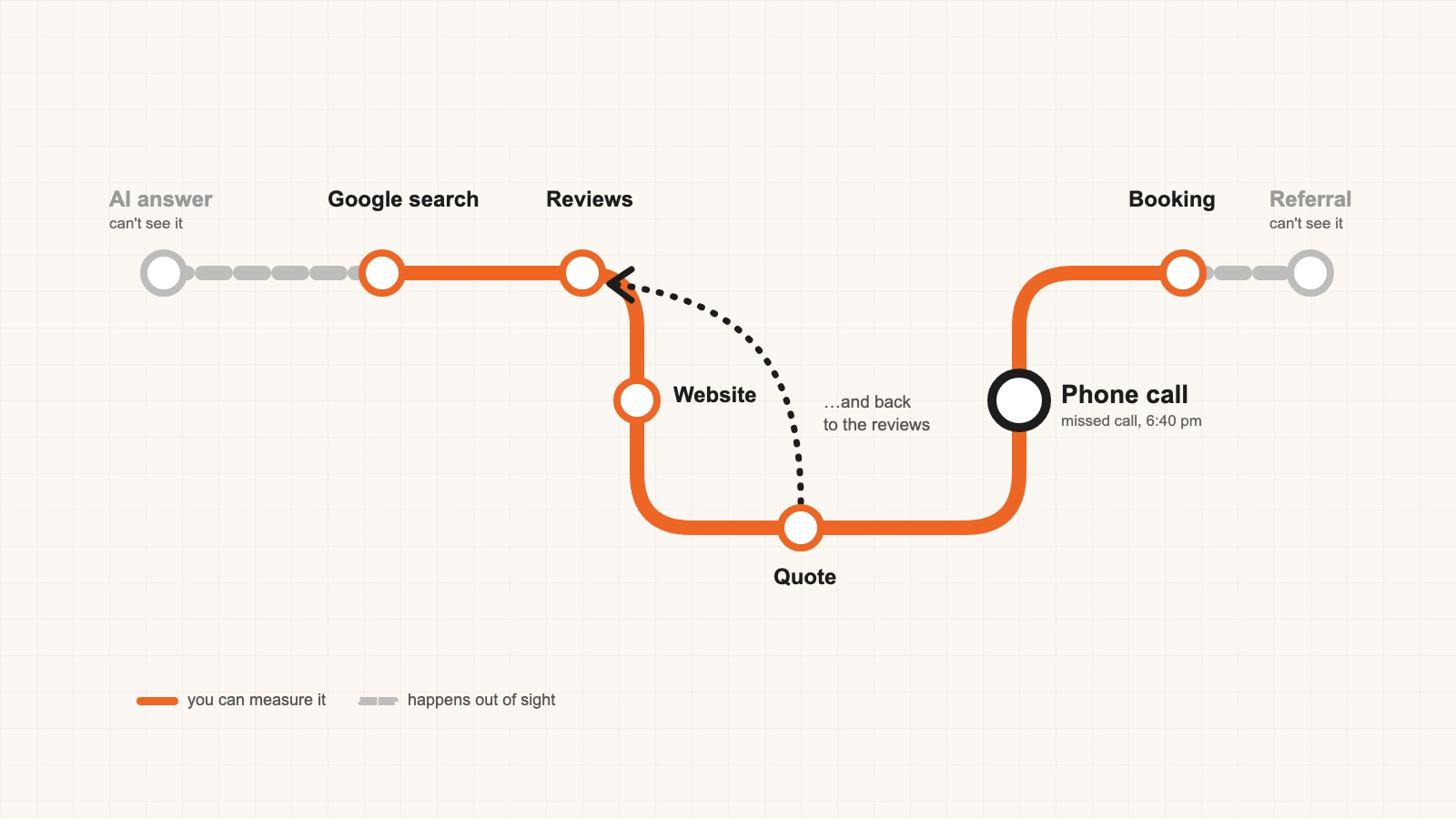
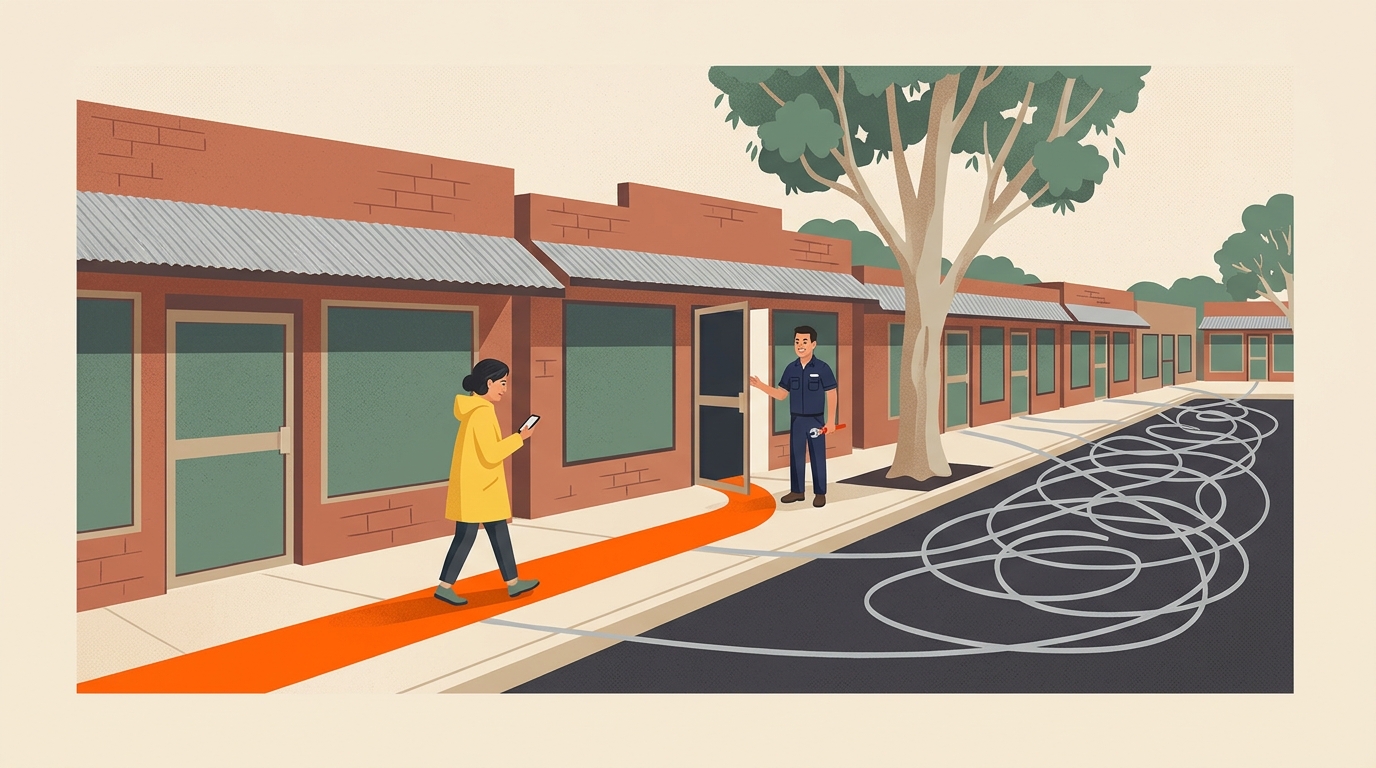
What the animation shows: Ridgeway Electrical, a fictional business, gets a call, a form and a chat. A shiny new CRM counts the form and the chat, but every phone call ends up on a “Call back?” sticky note stuck to the screen, and one drops into the bin. Once the enquiries are mapped first, all three land on one board and the call moves from New to Quoted, Booked and Paid.
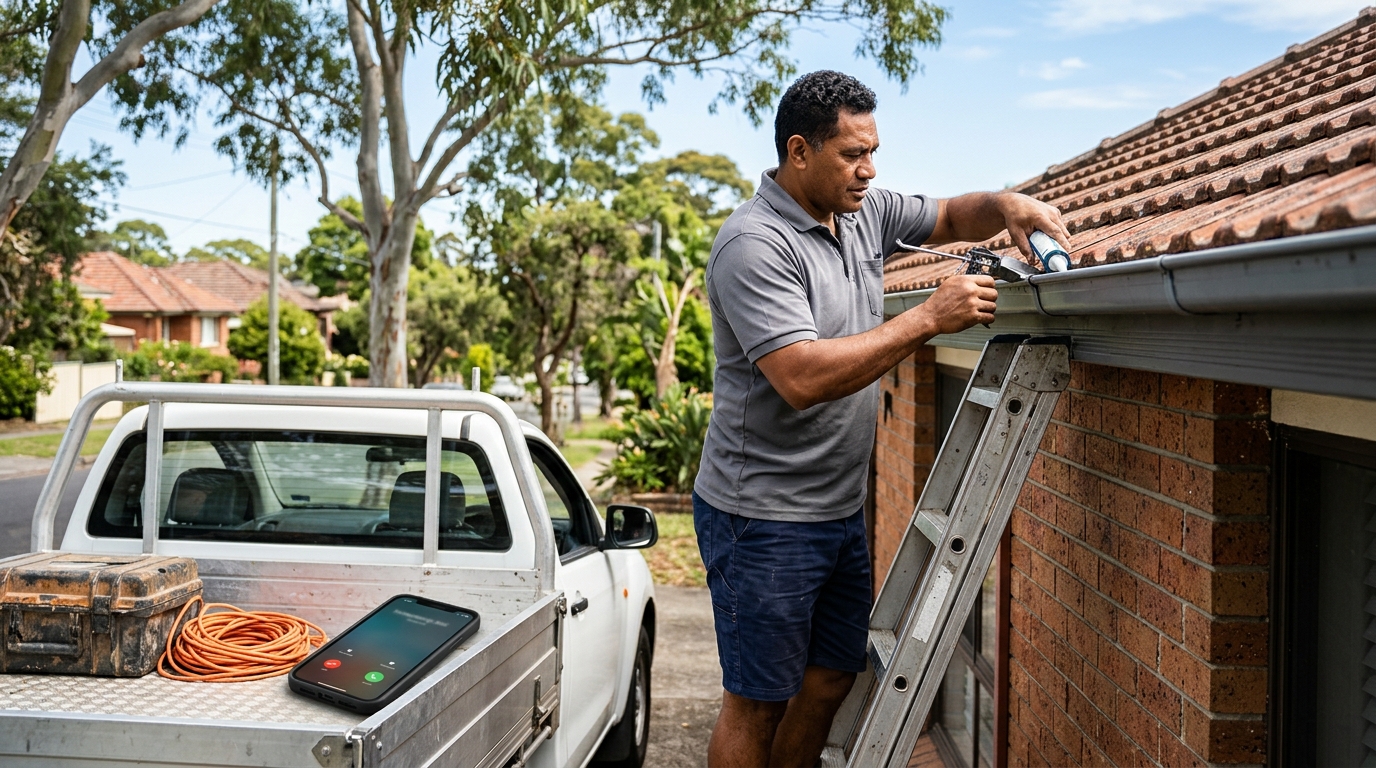
Then trial it with the people who’ll use it. The person who answers the phones, the person who quotes and the person who chases invoices should all run real jobs through it for a set period. Did every call and form land on the board? Did reminders fire? Could your electrician update a job one-handed on a ladder? (Ideally with the other hand on the ladder.)
Training counts as part of the setup. At Tyrrells we wrote guides and short video tutorials so the team could run the board themselves. And before you sign, export your trial data to CSV and open it. If contacts, notes and call history don’t come out in a usable file, you’ve just learned what leaving would cost you.
Feature lists and top-10 rankings still have a job: flagging real deal-breakers. They just belong after Steps 1 to 3, as a check against your list. You work out what you’re carrying before you choose the ute tray.
Step 5: Set your minimum standards before anyone mentions AI
Every demo now comes with an “AI-powered” sticker. Peel it off for a minute.
First, agree the basics as a team: every enquiry gets logged, every enquiry has a named owner, and every status changes when a job moves. Barrett’s order is the same: map how you sell, set the standard, then dock in the CRM and AI. “Most businesses start at step three,” she writes. “That is why so many CRM projects disappoint.”
Most Australian small and micro businesses aren’t using AI yet either. The ABS Characteristics of Australian Business 2024–25, released in June 2026, found around 11% of small and micro businesses used AI, against around 35% of large ones (ABS media release). That’s roughly one small business in nine.
When you do start, the records decide how well it works. Gartner predicted in February 2025 that through 2026, organisations will abandon 60% of AI projects unsupported by AI-ready data. The lesson scales down: an AI summary of half-logged enquiries is a confident summary of half the story. Buy for the board first.
So what’s the best CRM for small business? The one your team still opens on Monday
No ranking can tell you, because no ranking has seen your enquiry sources, your follow-up rules, your privacy obligations or your accounting setup. The research backs the order. In MIT Sloan Management Review, Cranfield academics Stan Maklan, Simon Knox and Joe Peppard wrote that “Capabilities are the precursor of CRM investment and not vice versa.” It’s a 2011 study of larger firms, but the principle travels.
Jason Fried of 37signals dissented back in 2004: “I feel like CRM tools are tailored towards the big guys, not small business.” Fair call. Even so, 37signals went on to launch its own simple CRM, Highrise, in 2007: a smaller tool, not no tool.
Barrett and the Cranfield team are right about the order, and Fried is right about the size. A CRM nobody updates is a spreadsheet with a subscription, so the best CRM for small business is the simplest one that fits your map and that your team keeps using after the trial.
Your job this week: before you book a single demo, write down where your last 20 enquiries came from and what happened to each one. That page is your brief. If you’d like a hand turning it into a working board, our CRM team can set it up with you, or just get in touch.
And one question to sit with: if your office manager left tomorrow, where would the customer history be?
Frequently asked questions
What is a CRM?
A CRM, or customer relationship management system, is software that business.gov.au says “collects and manages your interactions with (and information about) customers, suppliers and other businesses.” For a small service business, it’s one place where every call, form, chat and email lands, gets followed up and turns into a quote, a booking and a paid job.
Is there a 100% free CRM?
Yes, free tiers exist, but they come with limits. HubSpot, for example, says its free CRM covers “up to two users, 1,000 contacts” with “no expiration date”, in the vendor’s own words. Free plans usually cap users, contacts, automation or support. Check those limits against how your enquiries arrive, and test the CSV export before your data builds up.
Can ChatGPT make a CRM?
ChatGPT can help you list your enquiry steps, draft the columns for a simple spreadsheet tracker and write follow-up templates. That’s a fair start for a one-person business. It won’t answer your phone, log calls or chase follow-ups on its own, and it isn’t a system of record. Check your privacy obligations before pasting customer details into any AI tool.
Do I need a CRM or is a spreadsheet enough?
If one person handles enquiries from one or two channels, a spreadsheet plus call tracking can do the job for a while. It’s time to move to a CRM when enquiries arrive through several channels, more than one person follows them up, or you can no longer tell which marketing turned into paid work.
What is the best CRM for small business in Australia?
There isn’t a single winner, and any ranking that hasn’t seen how your enquiries arrive is guessing. The best CRM for small business in Australia handles your channels, your steps to paid, your privacy obligations and your accounting software, whether that’s Xero or MYOB. Above all, it’s the one your team still uses after the trial.