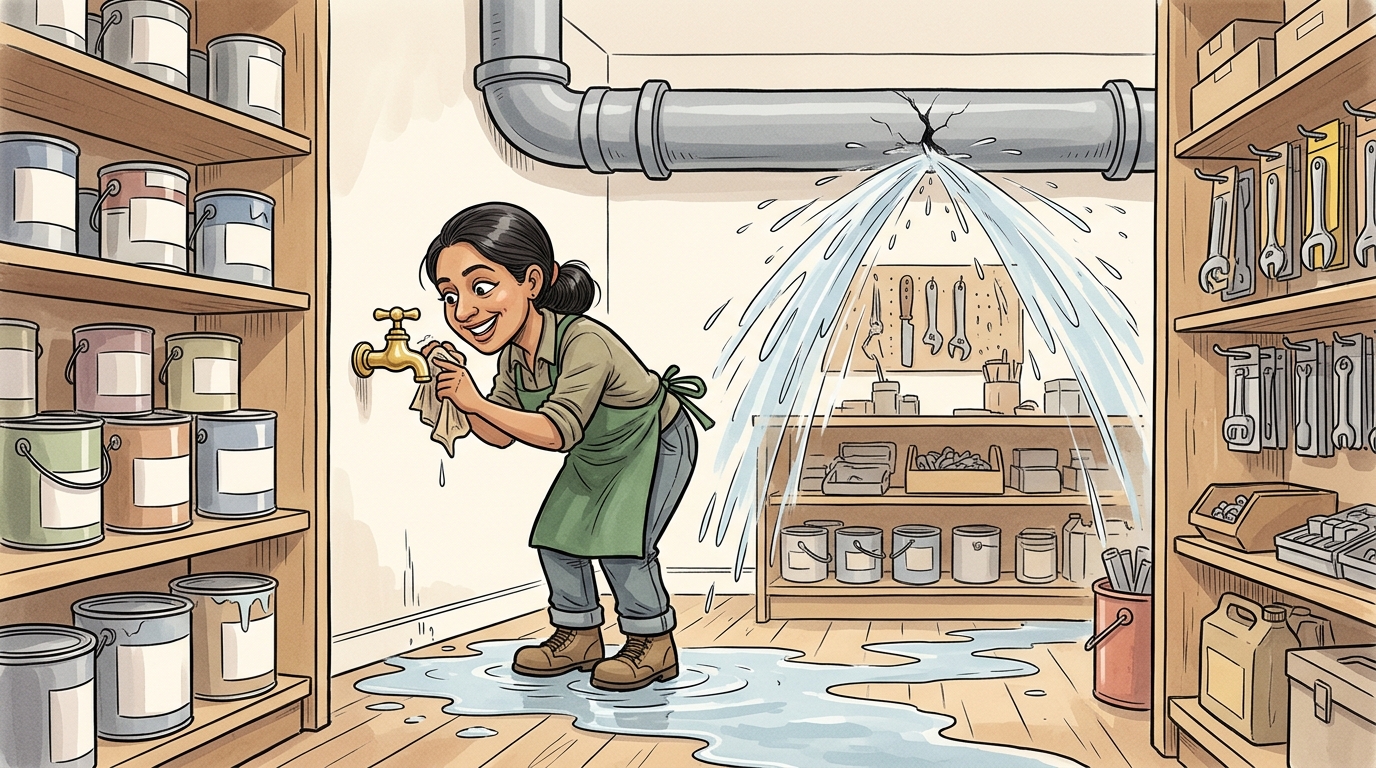


Shopify SEO: the platform does the plumbing, you fill the shop window
Shopify already adds canonical tags, a sitemap, robots.txt and product schema. What decides your rankings is what it can't do: collection pages, your own product copy, app clean-ups and the words Australians search, like doona cover over duvet cover.
Shopify SEO is half done before you list your first product. Shopify’s own help centre lists what the platform handles automatically: canonical tags, a sitemap, a robots.txt file, title tags, product schema and SSL. What it can’t do is write your collection pages, describe your products in your own words, clean up after your apps, or know that Australians buy doona covers.
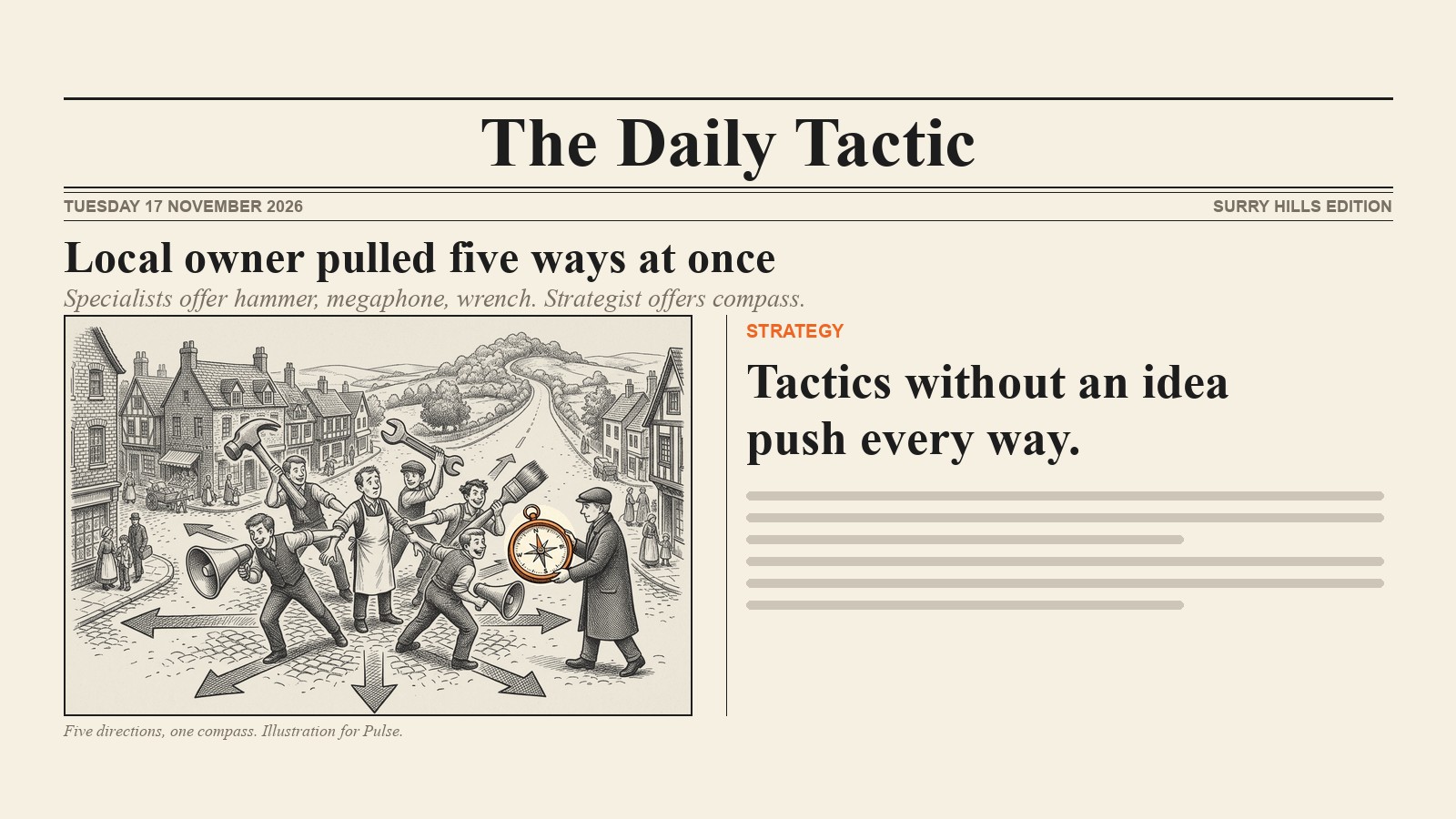
That second list is where stores win or lose. Yet the questions I hear from Shopify owners are nearly always about the first one: duplicate URLs, robots.txt, which app gives the best “SEO score”. Meanwhile the Bedding page is a grid of photos without a single sentence on it.
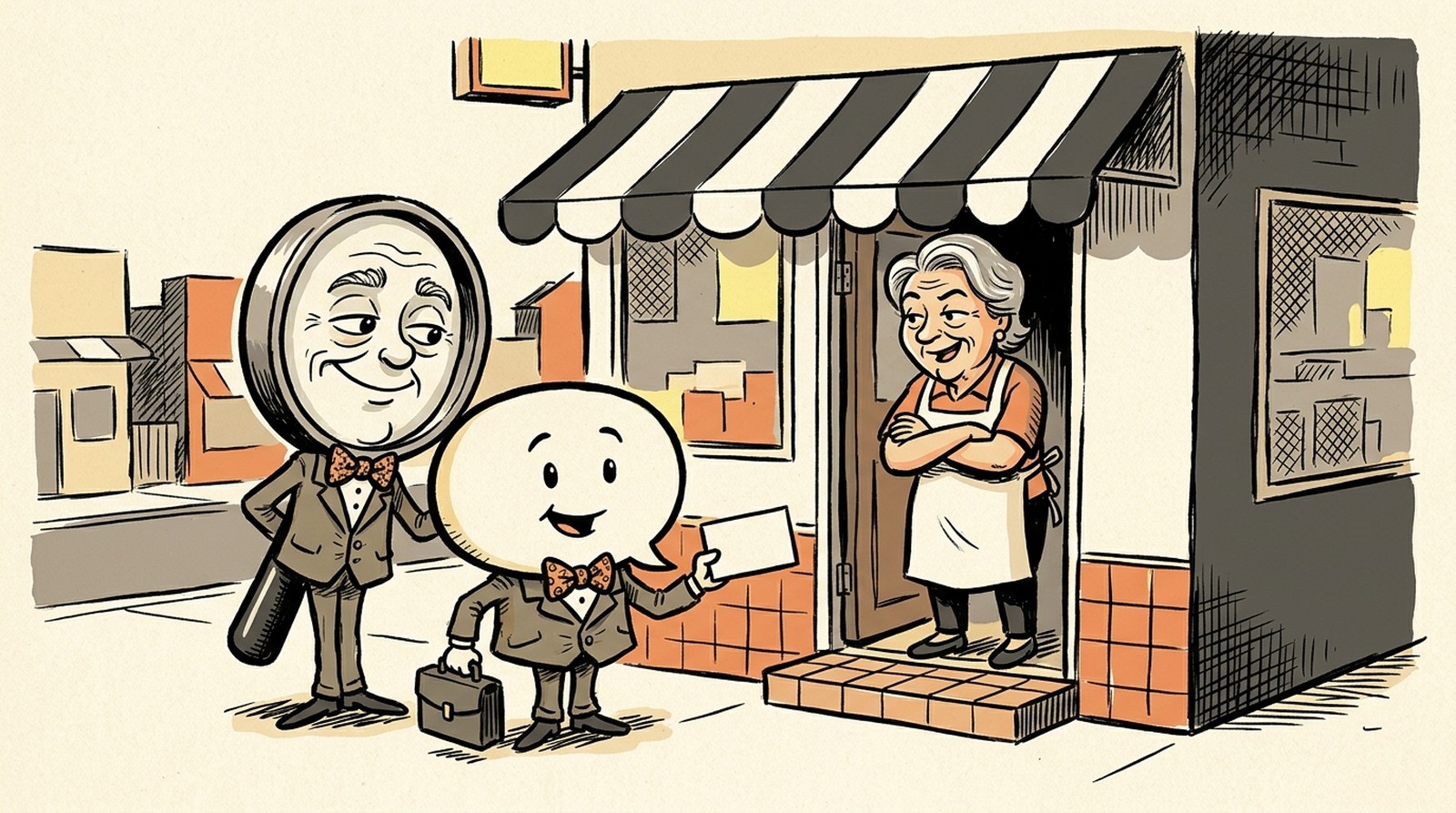
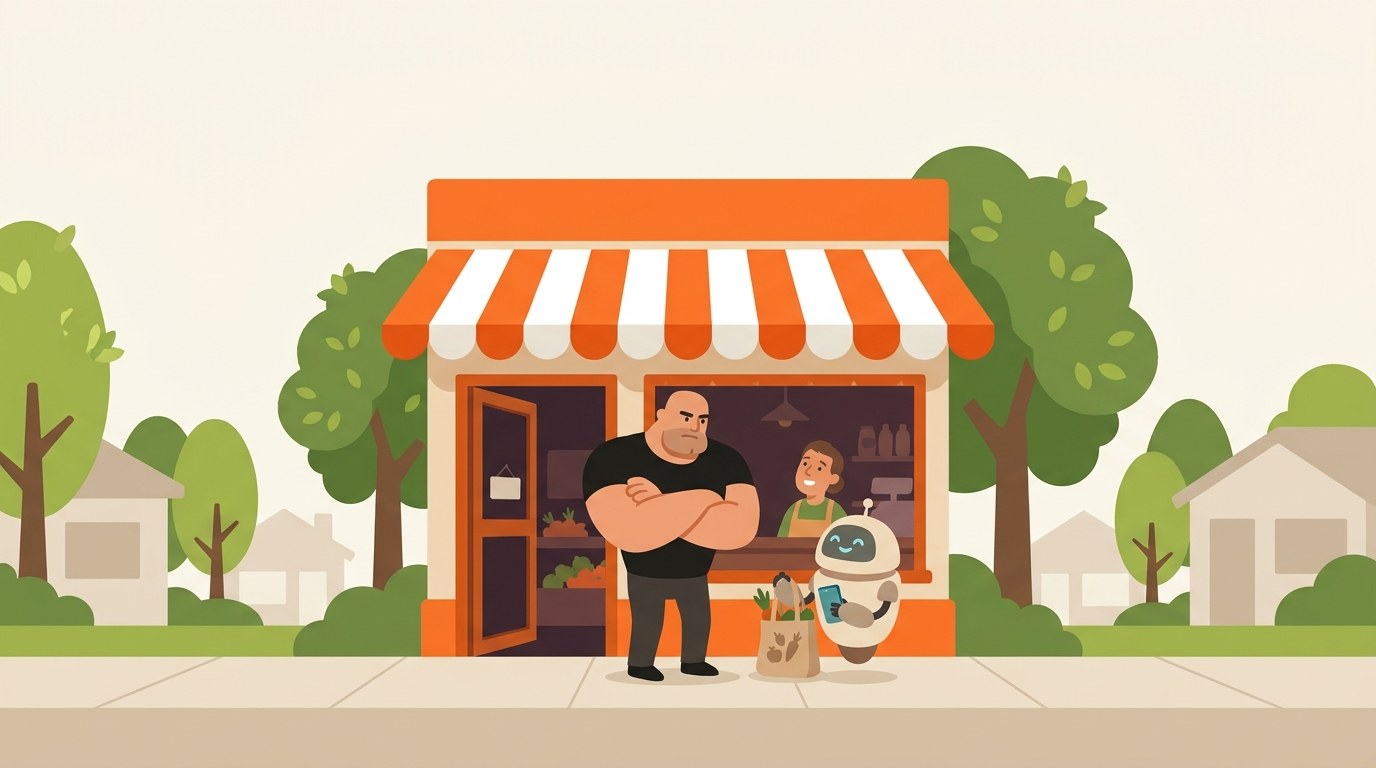
Think of Shopify as a fitted-out shop in a good centre. The lights, the lifts, security and the sign frame come with the lease. Nobody has ever walked into a store because of the air-con, and nobody else is going to dress your window or write your shelf labels. This guide sorts the jobs you can cross off from the ones that need you, using Shopify’s and Google’s own documentation, so your SEO time goes where it pays.
What Shopify SEO already does for you
According to Shopify’s SEO overview, every store gets canonical tags added automatically “to prevent duplicate content from appearing in search results”, an auto-generated sitemap.xml and robots.txt, title tags that include your store name, and SSL switched on. Shopify’s themes also include product schema (the code that tells Google a page is a product with a price), so check what yours outputs before paying for an app to add it.
The robots.txt file is the one setting where doing nothing is the expert move. Shopify says “The default robots.txt file works for most stores”, calls editing it an unsupported customisation, and warns that “Incorrect use of the feature can result in loss of all traffic.” If a small store isn’t ranking, the robots.txt file is almost never why.
The sitemap updates itself whenever you add a product, collection or blog post. Submit yourdomain.com.au/sitemap.xml to Google Search Console once, and remember Google can’t read it while the store is still behind its launch password.
Shopify’s same overview page lists the jobs that stay with you: keywords, page titles, descriptions, alt text, Search Console, speed, and redirects when you move or discontinue products. Leave the pipes alone: the sales are in the bits only you control. For the basics that apply to any site, use our guide to SEO for small business.
The /collections/ duplicate URL worry, honestly
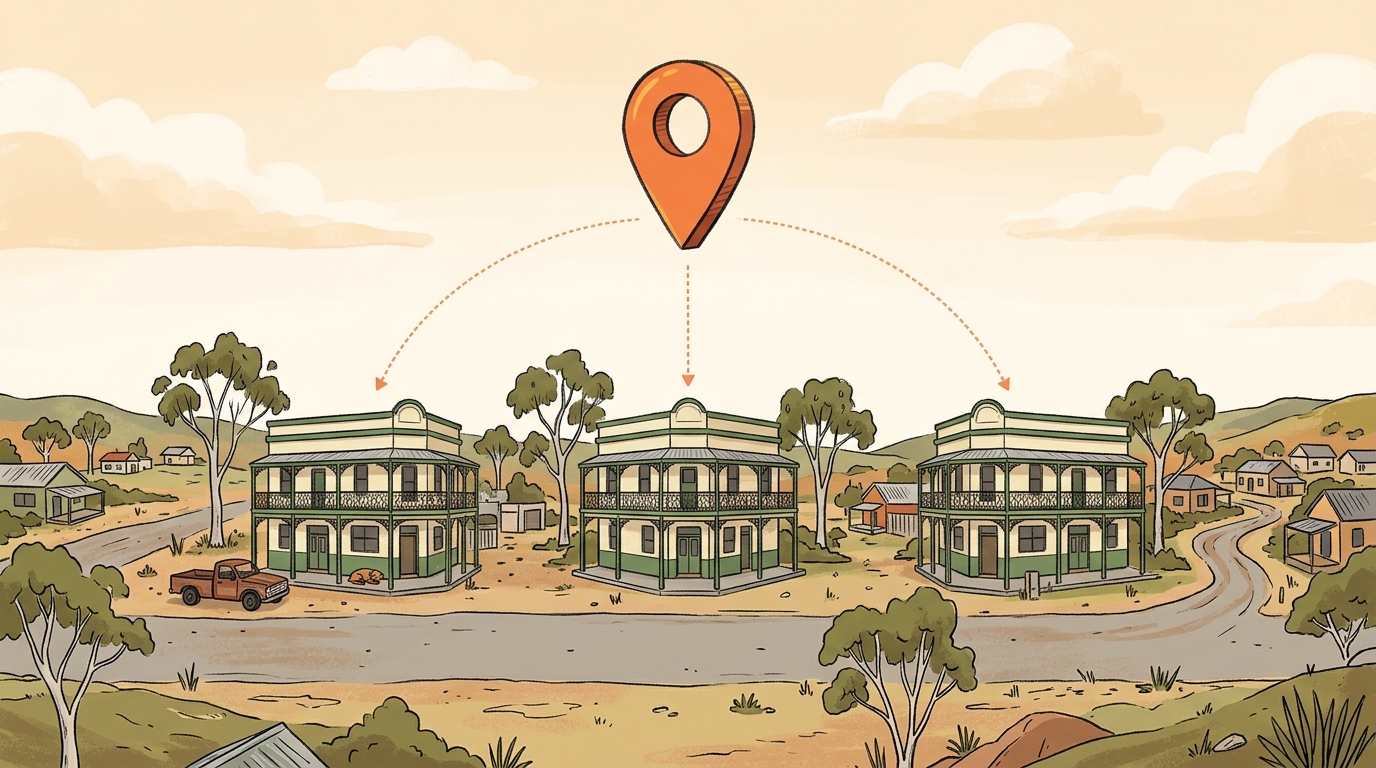
Few Shopify SEO topics fill more forum threads. Some themes link to products through the collection, so one product shows at /collections/bedding/products/linen-doona-cover and at /products/linen-doona-cover. Shopify’s developer docs are upfront: pages built with the within filter “have the same content on separate URLs”, and you “should consider the SEO implications”.
It’s less dramatic than the threads make it sound. Shopify adds a canonical tag pointing Google to the main product URL. Shopify’s own reference theme, Dawn, links product cards straight to /products/, so newer themes often avoid the problem altogether. And Google says “Some duplicate content on a site is normal and it’s not a violation of Google’s spam policies.”
In the Google Search Central video below, Martin Splitt says duplicate content “isn’t something that you should lose sleep over”. What does cause trouble is your own links pointing at one URL while your canonical tag names another: that’s usually why Google picks a different version from the one you chose.
So skip the app that promises to “fix duplicate content”, and leave the canonical tags alone. Open a collection page, hover over a product and read the link in the corner of your browser. If it shows /collections/…/products/…, ask your developer to link straight to the product URL. A small theme fix, and then you can get back to selling doonas.
Your collection pages are where Shopify SEO is won
Collections are your category pages, and category searches are where the volume sits. Someone typing “linen doona cover” wants to compare a range, and a range is exactly what a collection page is.
Shopify gives every collection a description field, and plenty of stores leave it empty. A wordless grid gives Google a title and some image file names to work with. Your competitor’s collection explains the range, the sizes and how to choose.
Use the words Australians actually type. In DataForSEO’s Google Ads keyword data for Australia (monthly average, November 2026), “doona cover” gets 18,100 searches a month and “duvet cover” 9,900. That’s about 600 a day against 330, for the same product. “Thongs” gets 27,100 against 6,600 for “flip flops”. For comparison, “shopify seo” gets about 260 a month: your customers are far busier searching for doonas than you are searching for SEO tips.
What to write, for example on a fictional Saltbush Home “Linen doona covers” collection: who the range suits, what’s in it (stonewashed linen, Queen, King and Super King), how to choose a weight for a Queensland summer versus a Hobart winter, care in one line, and links to the matching sheets and pillowcases. Two short paragraphs above or below the grid is plenty. Then write the collection’s page title and meta description by hand.
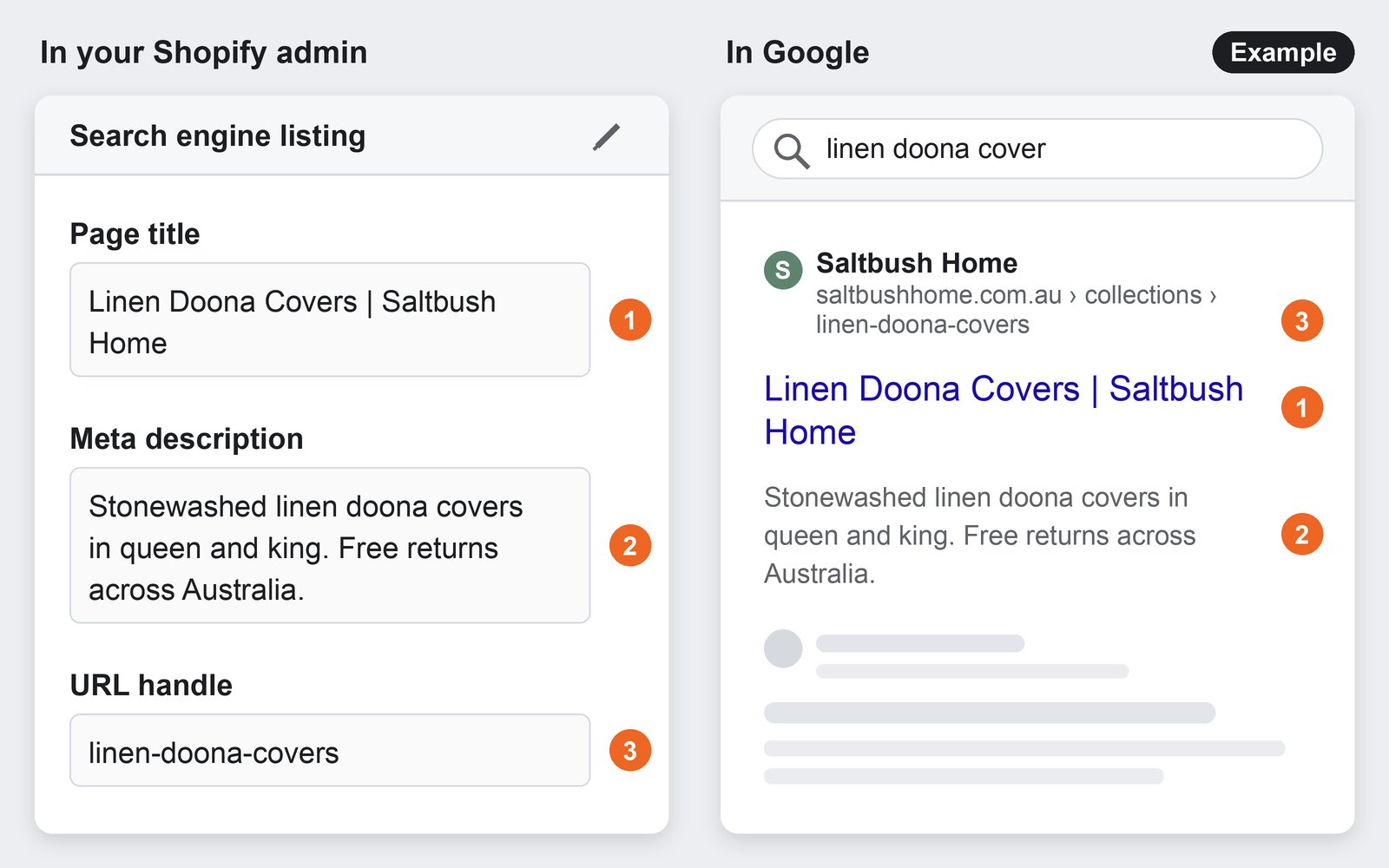
A collection called “Bedding 2” with a blank listing is invisible to that search. “Linen doona covers”, written for someone comparing three tabs at 11pm, has a fighting chance.
Stop pasting the supplier’s product description
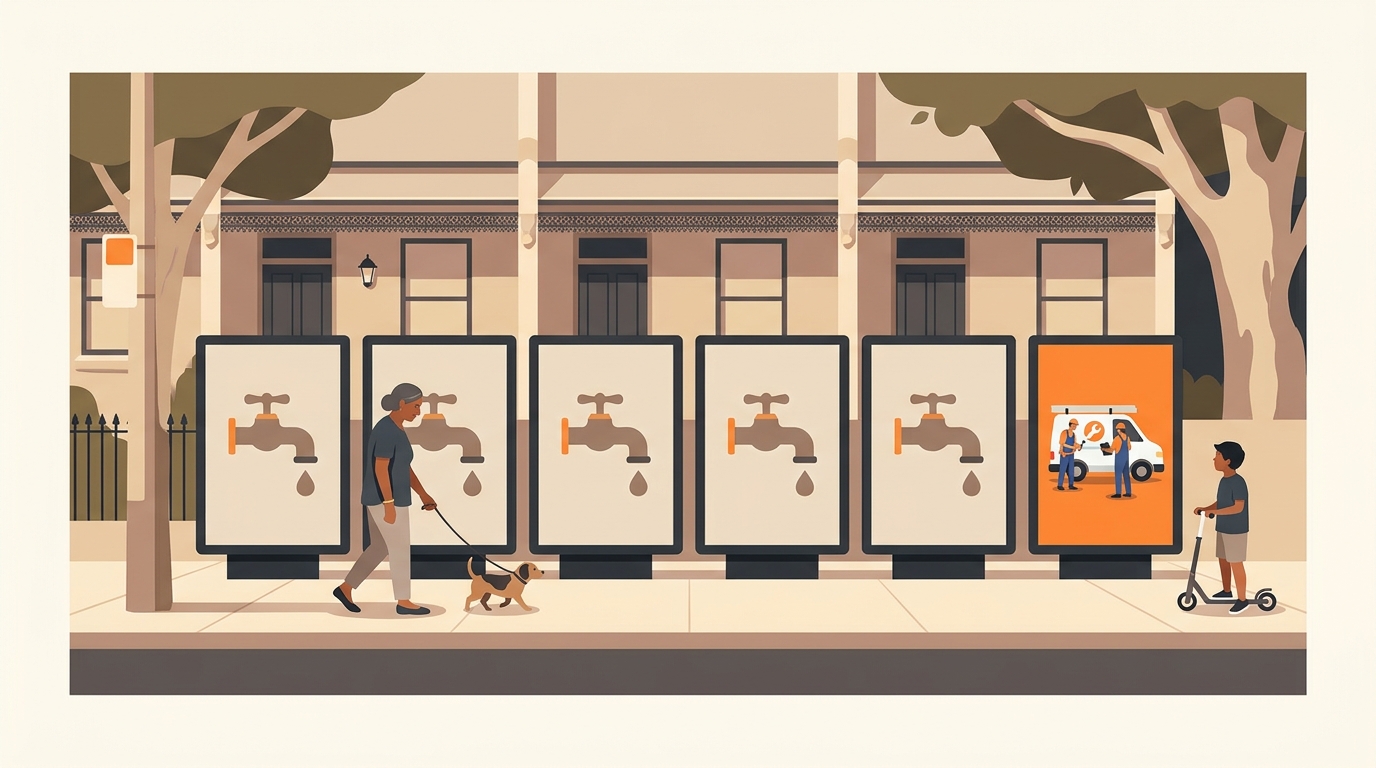
If, say, 40 Australian stores carry the same brand and all paste the supplier’s paragraph, Google has 40 near-identical pages and no reason to pick yours. Google’s guidance on helpful content asks whether a page avoids “simply copying or rewriting those sources” and offers “substantial value when compared to other pages in search results”. That’s no penalty. It’s just a coin toss you’re unlikely to win against bigger retailers.
Shopify’s own page on optimising your store for AI asks for the same things shoppers ask for: detailed specifications, comparisons with similar products, sizing guides, materials and care instructions. Those details also feed AI shopping answers, which I cover in what AI SEO really involves and in what ChatGPT shopping means for Australian stores.
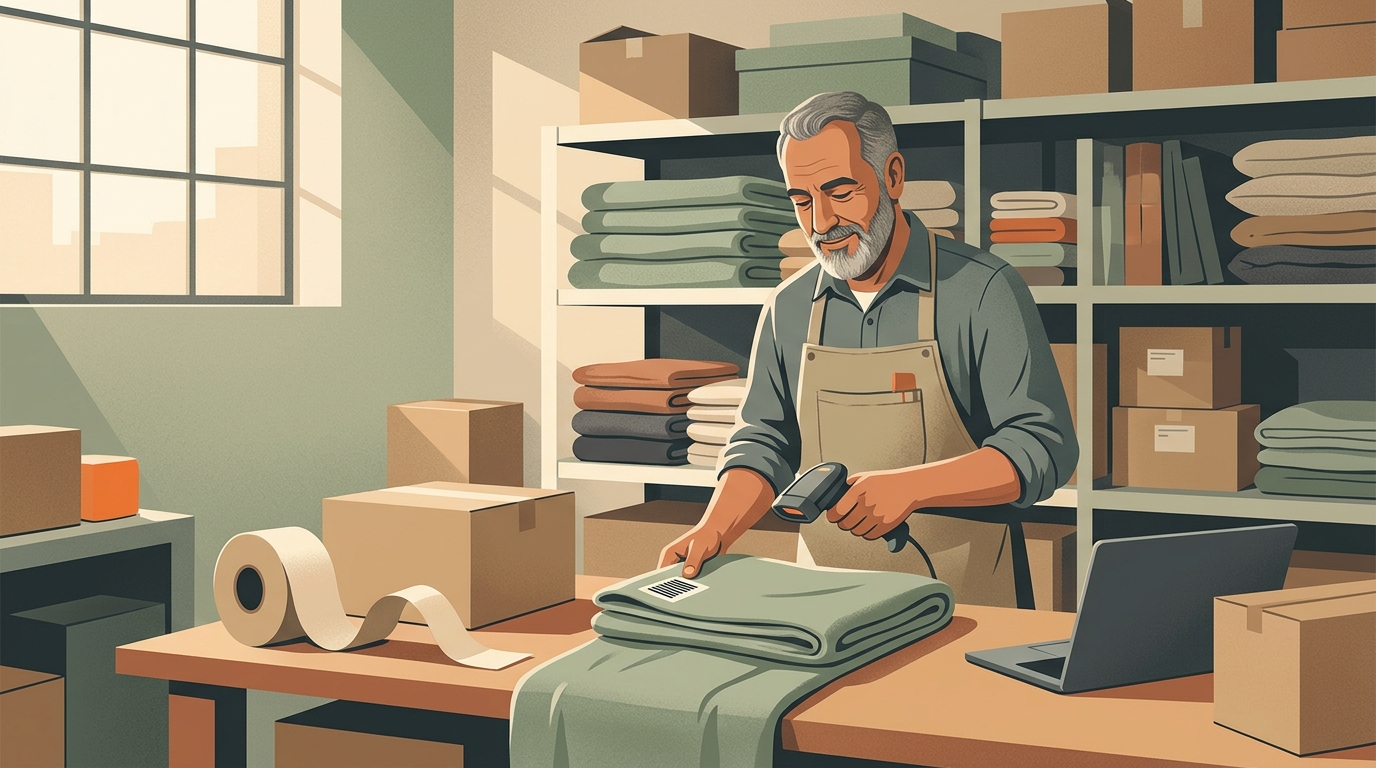
Take a skincare store selling a supplier’s serum, for example. “Luxurious serum for radiant skin” tells nobody anything. The key ingredients, the bottle size, which skin types it suits, morning or night use and what it pairs with in your range: that’s a page worth ranking. Start with your 20 best sellers. Nobody rewrites 400 SKUs in a weekend.
In each product’s Search engine listing section you can set the page title, meta description and URL handle. Shopify notes titles over 70 characters and descriptions over 320 may get cut off in results.
Apps, themes and speed: the technical bit that’s yours
App bloat is the one technical problem Shopify can’t solve for you. Its help centre says store speed is affected by “theme code, apps, images, videos, carousels, social media feeds, and analytics”, and that “Uninstalling an app doesn’t automatically remove its code from your theme.” Its advice is to review your apps and remove any “that aren’t essential for sales”.
My rule: every app has to name the sale it helps make. A reviews app that shows stars on product pages earns its place. Three pop-up apps fighting each other don’t. Check the web performance report in your admin before and after a clean-out, and if old app code is buried in a theme someone else built, that’s a job for a developer or a rebuilt Shopify theme.
What the animation shows: a shopfront appears and ticks pop up for the jobs Shopify does itself (sitemap, canonical tags, SSL), while the shop window stays empty. The owner keeps adding apps until they pile up on the roof and squash the shop. A shopper reaches the door, a loading spinner turns, and she walks off. The owner clears the apps, fills the window with linen doona covers, and she walks straight in.
Handles, redirects and pages Google doesn’t need
A product’s URL handle is the last part of its address, and Shopify warns against editing it too often “or the product might not display in search engine results”. Keep the handle; update the copy each season.
When a product goes for good, redirect its old address to the closest match under Content › Menus › URL redirects. Shopify lets you redirect only from broken URLs, and after changing a handle, open the old address: if it shows a 404, add a redirect for it. If you sell overseas through market subfolders, redirects don’t carry across those automatically.
For pages that shouldn’t be in Google at all (a wholesale-only product, a staff discount page), set the product to Unlisted, which hides it from search, the sitemap and collections, or use the seo.hidden metafield on pages, blog posts and products.
The Australian details
Plenty of Australian stores own both the .com.au and the .com. Shopify says any domain you’re not using for international targeting should redirect to your primary domain. For a store selling mainly in Australia, I’d make the .com.au the home base.
If you sell to New Zealand or the UK through international subfolders such as /en-nz, they use your main domain’s ranking, and Shopify creates hreflang tags (the code that tells Google which version is for which country) automatically. One more piece of plumbing to leave alone.
The rest is vocabulary: colour, organiser, thongs, doona, bathers or swimmers depending on where your customers live. Check filters, buttons and app widgets too.
Shopify SEO checklist items you can ignore
- Editing robots.txt. Shopify’s default suits most stores, and a mistake can cost you all your traffic.
- Building your own sitemap. Shopify generates and updates it.
- Adding canonical tags by hand. They’re automatic. Fix internal links instead.
- A schema app before checking your theme. Shopify themes already include product schema.
- Chasing an app’s “SEO score” to 100. Google doesn’t read it.
When Pulse moved Things I Like by Matilda Brown from Wix to Shopify, separating the shop from her Northern Beaches beach-house rental with a new name and brand, the platform brought the plumbing. The SEO work went into the parts Shopify doesn’t do: setting up Search Console, adding Person schema that connects the store to Matilda, and claiming her Google knowledge panel.
FAQ
Is Shopify good for SEO?
Yes. Shopify adds canonical tags, generates the sitemap and robots.txt, includes product schema in its themes and turns on SSL automatically. That covers the plumbing. Rankings come from the shop-window work: collection copy, rewritten product pages, a clean theme, sensible handles and links from sites people already trust.
Do I need a Shopify SEO app?
Not for the basics. Shopify already handles sitemaps, canonical tags and product schema, and you can edit page titles, meta descriptions and handles in the admin. An app can help with bulk edits or image compression on a large catalogue. Remove any that don’t earn their keep, because uninstalled apps can leave code in your theme.
Should I fix /collections/ product URLs?
Only the links. Shopify adds a canonical tag pointing to the main /products/ URL, and Google says some duplicate content is normal. If your theme links products through /collections/…/products/…, ask a developer to link straight to the product URL, as Shopify’s Dawn theme does. Don’t buy an app or edit canonicals by hand.
Is SEO paid or free?
Organic rankings are free: you don’t pay Google for clicks from the normal search results. For a Shopify store the cost is mostly owner time: writing collection copy, rewriting supplier descriptions, cleaning up apps and theme links, and earning links. Hiring help costs money. Paid search ads are a separate product and don’t lift organic rankings.
How long does Shopify SEO take?
There’s no fixed timeline. A new page title or meta description can appear as soon as Google recrawls that page, while rewritten collection copy and new links take longer to shift rankings, especially in crowded categories like bedding or activewear. Note the date of each change and compare those pages in Search Console’s Performance report month by month.
Your best-selling collection is where the first afternoon goes: a description in the words Australians search, three rewritten product pages, one app gone. If you’d rather hand that over, get in touch with Pulse. Either way, look at that collection with the photos switched off. Would a stranger know what you sell, or is Google staring at a silent photo grid?